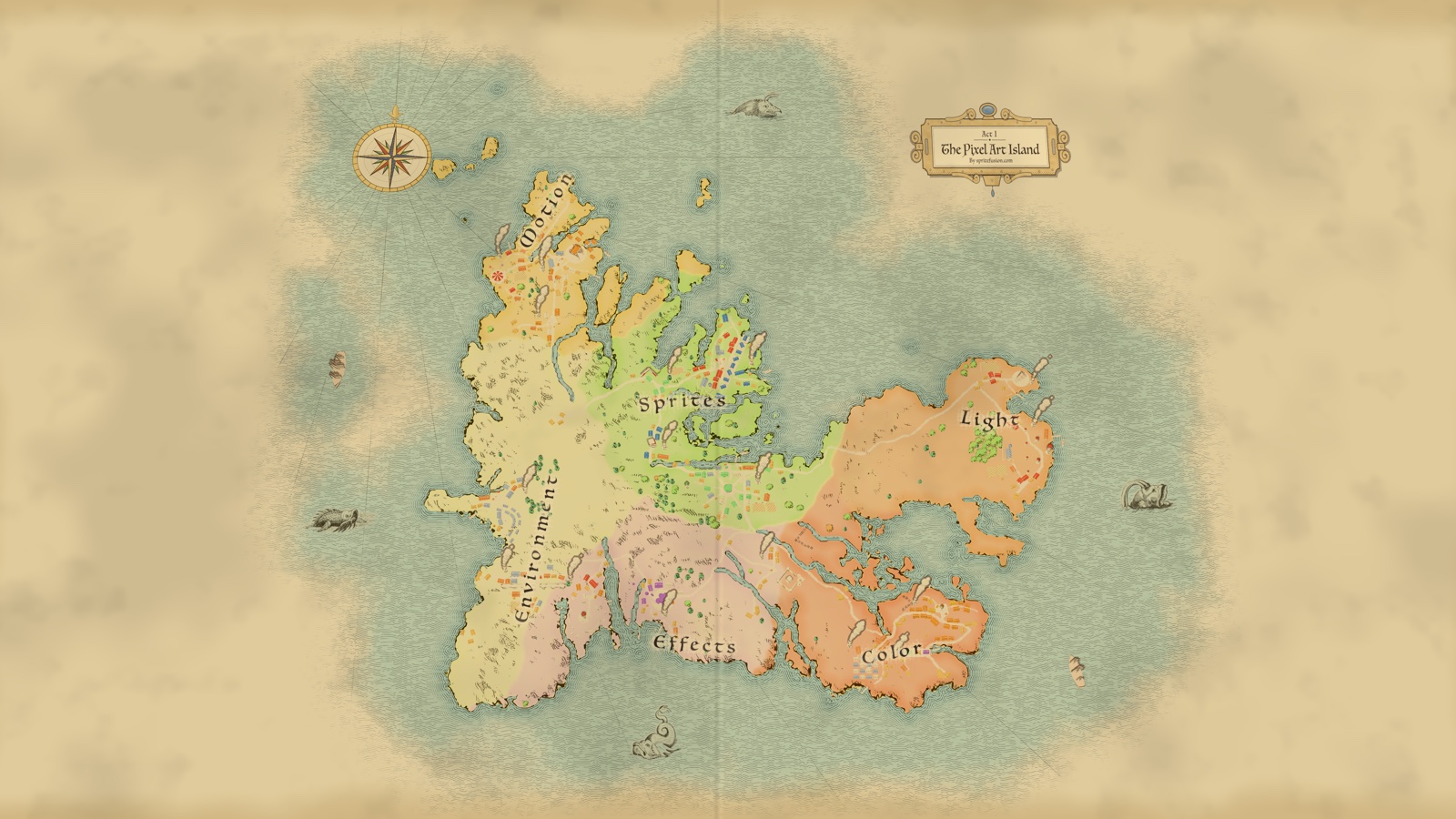
Sprites · Act I
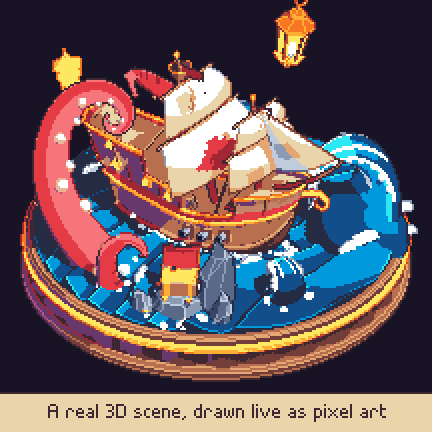
You have the choice when going pixel art for your game's style: the pure 2D sprites "classical" way, where each asset is a flat sprite. Or leveraging 3D to then render it in a pixel art style. Both have their strengths and weaknesses.
Render my 3D scene as pixel art: flat palette tones, depth outlines, lit edges, a camera snapped to pixels.
Read the whole briefFold the brief
Render my 3D scene live as pixel art, in four steps.
Scene: [a galleon in a storm sea on a round base, under a hanging lantern].

- Camera: orthographic, [35] degrees above the horizon. Render at [216 x 196] px and scale up by whole numbers.
- Step 1, flat tones: one sample a pixel, nearest filtering, no antialiasing. Snap shading to [3] tones per color of my palette.
- Step 2, depth outline: keep depth. A pixel whose 4 neighbors (up, down, left, right) are further away goes [2] tones darker.
- Step 3, lit edges: keep normals. Where the surface turns outward between two neighbors, the pixel facing the light goes one tone lighter.
- Step 4, snapped camera: move the camera in whole render pixels along the view's own axes. Shift the scaled picture by what was rounded off.
- Give thin things [2] px or more, or they flicker as the view turns.

Show me an orbit and a slow pan, with each step switched on in turn.
Change what stands in [brackets] to fit your game.
- When your game will have perspective, rotating cameras, or depth.
- Art direction choice! You can refine your shading to give a very specific look to 3D-rendered pixel art.
Not forPure pixel-art old-school art direction: 3D-rendered pixel art will have some artifacts and imperfect dithering or outlines.
David Holland describes the method, credited to t3ssel8r: edges from depth and normals with a kernel of four neighbors, and a camera snapped to a texel grid.[1] A three.js shader draws both kinds of edge in one pass.[2] The figure is this atlas's own.
- David Holland, 3D Pixel Art Rendering, 2024
- KodyJKing, hello-threejs, GitHub