
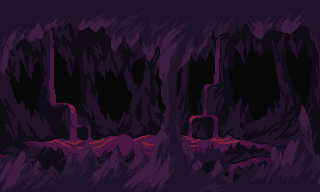

Generate polished pixel art in minutes
Create sprites, icons, and animations for your game with our AI pixel art generator

Fast Integration with Game Engines










Fast Integration with Game Engines
Pixel Art is HARD.
Requires years to master
Mastering pixel art takes years of consistent practice.
Learn colour theory
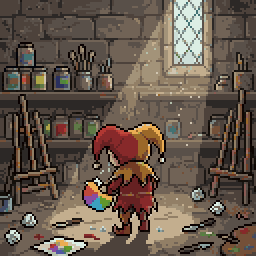
Every asset takes hours
Every character, item, and props demands hours of manual drawing.
Draw for hours
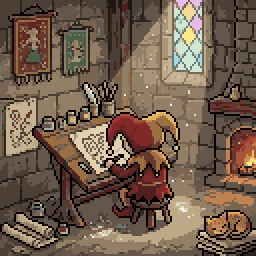
Hard to stand out
Free asset packs make your game look like everyone else's.
Things looks off
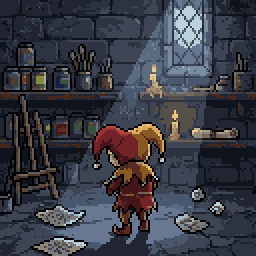
Sprite Fusion makes it easy (and fast).
Sprite Fusion is an AI pixel art generator. Create professional pixel art and game-ready animations with a single prompt.
Generate game-ready assets
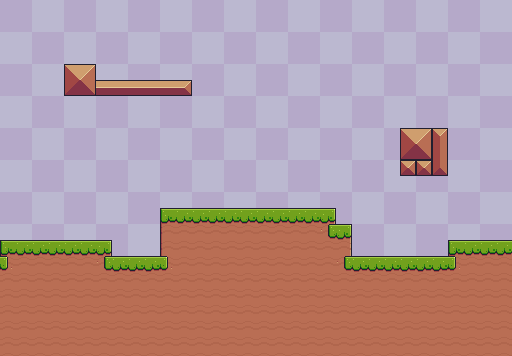


All animations are generated in Sprite Fusion. Tileset from PixelFrog.
"Idle animation"
"Idle animation, squash and stretch"
"Idle animation"
"The camera is rotating from left to right"
All animations are generated in Sprite Fusion.
How it works
01
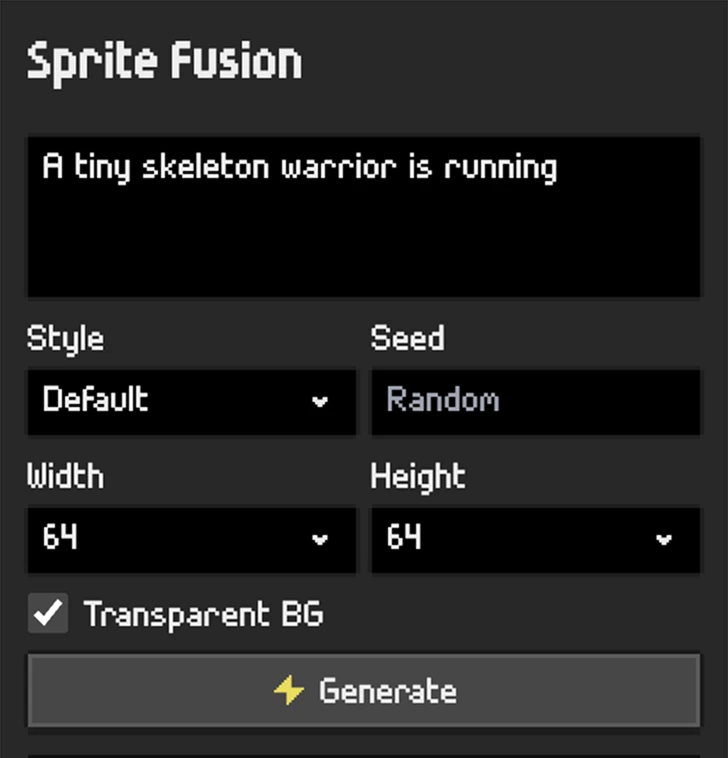
Describe your vision
No drawing skills required. Just your ideas and human creativity.
Settings

02
Generate unique assets
Sprite Fusion faithfully captures every detail, style, and instruction.
Generated asset

03
Export your assets
One-click export for your Unity, Godot, GameMaker, or any other game engine.
Exporter
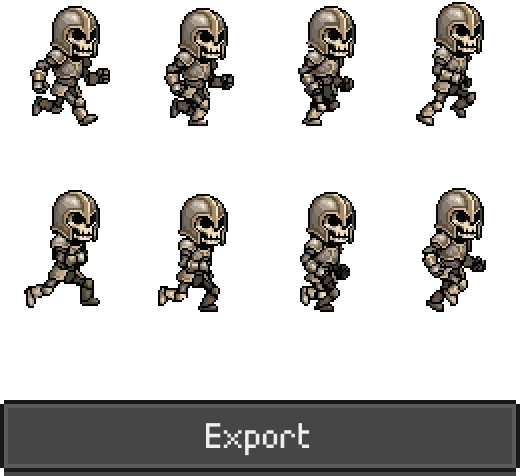
Generate game-ready sprite sheets
Create pixel art characters, walk cycles, attack animations, and idle loops with our AI sprite generator.


Make true pixel art with size control
Choose from exact 16x16, 32x32, and 64x64 output sizes.


Animate your own pixel art
Import a sprite from your own collection or an asset pack, then animate it with a single prompt.
Your sprite

wizard.png
Fantasy Pack - CC0

Import
Animated sprite

"Walking animation"
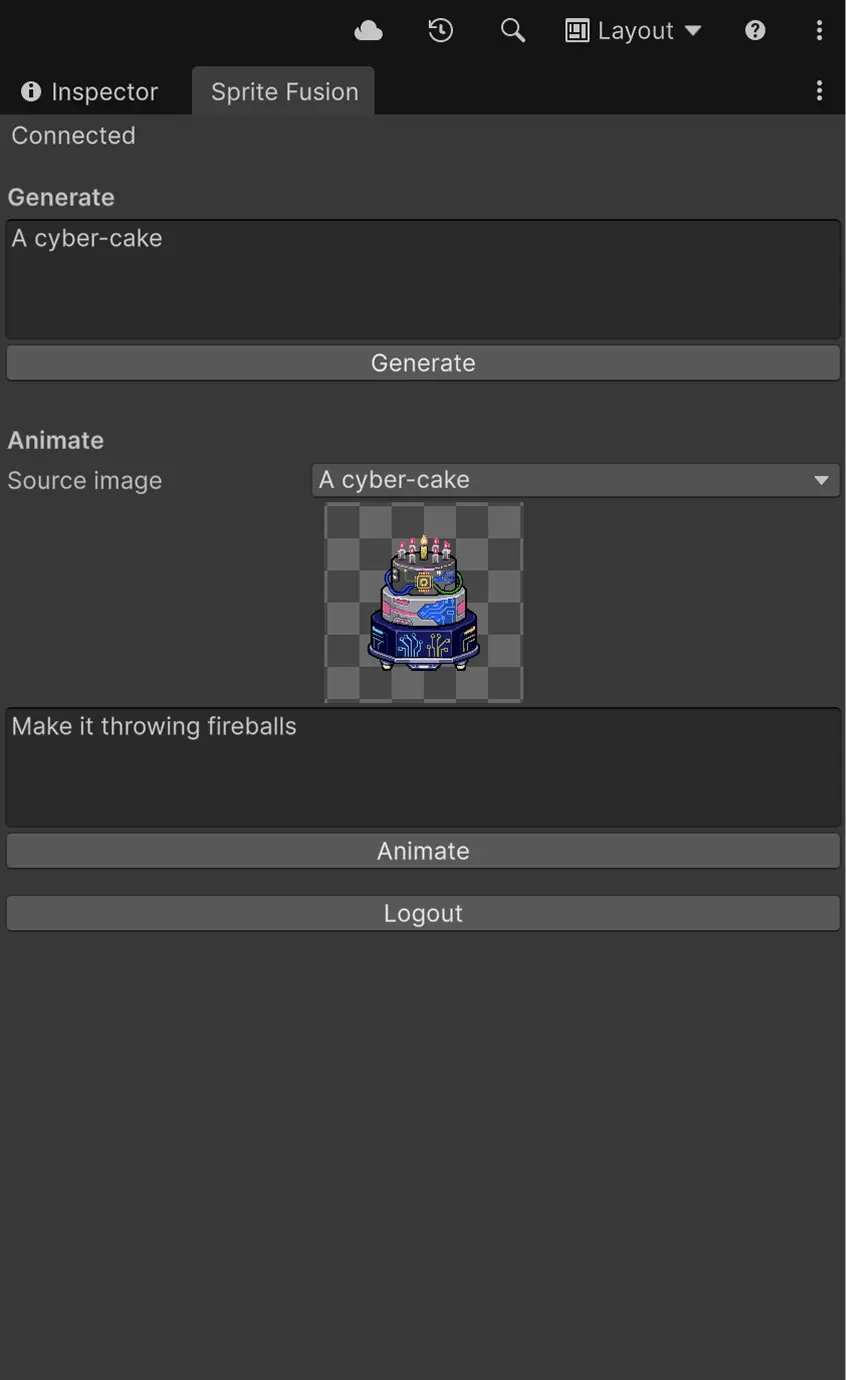
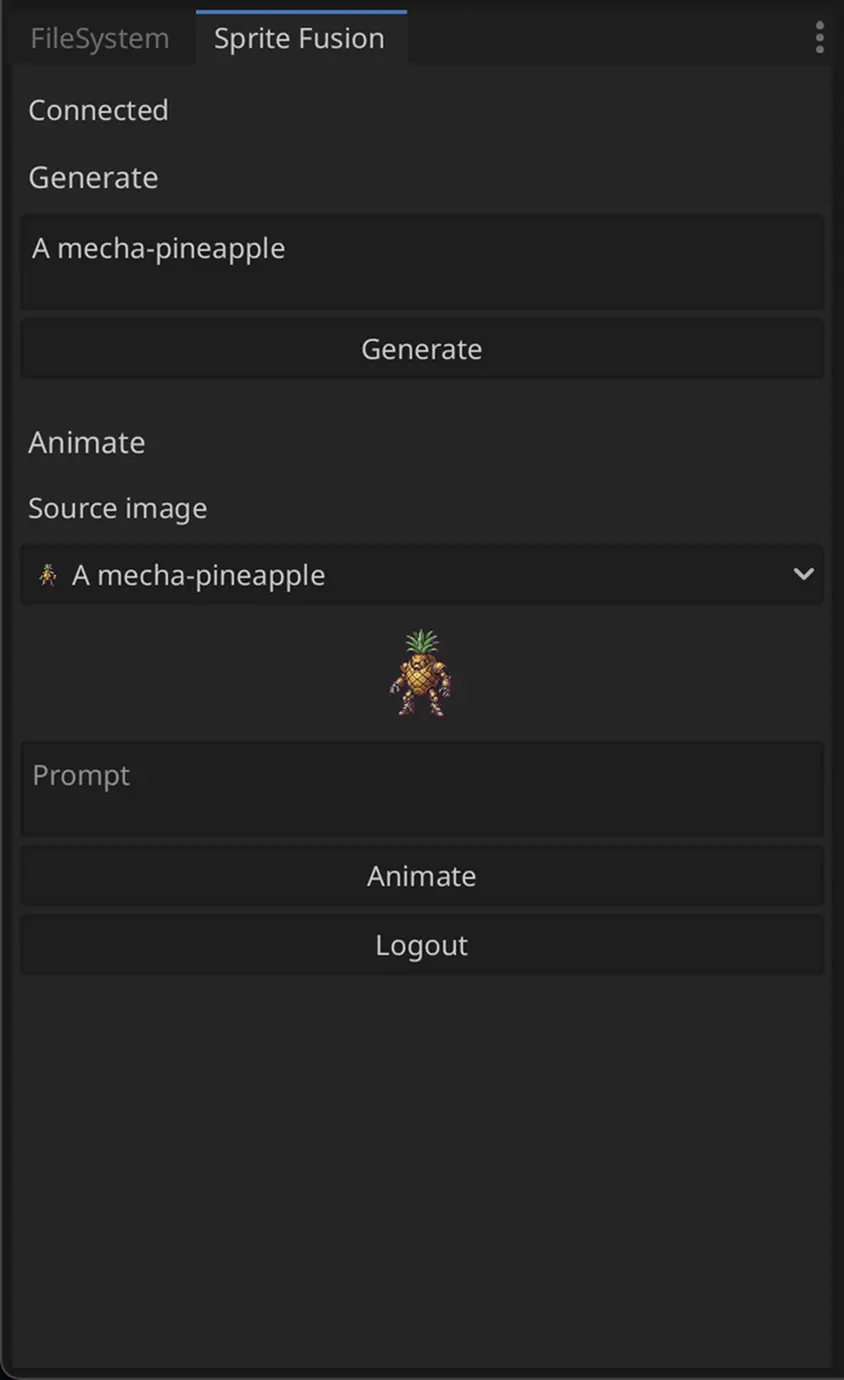
Native Unity and Godot integrations
First-class Unity and Godot plugins for generating pixel art and animations straight from your editor. Sprite Fusion can also export to any game engine. No code, terminal commands, no API keys, just connect your account and start generating.
Unity plugin
Godot plugin
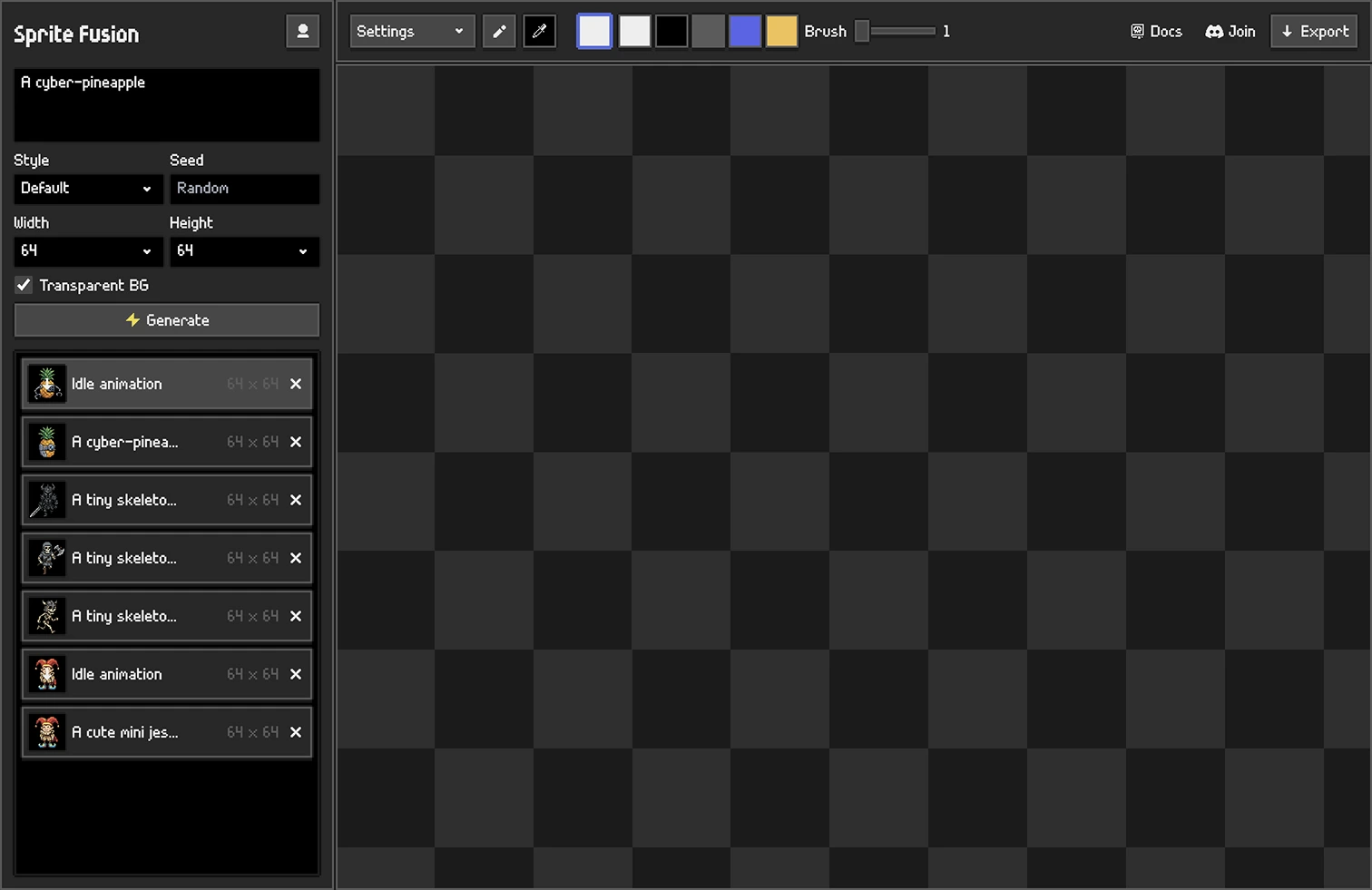
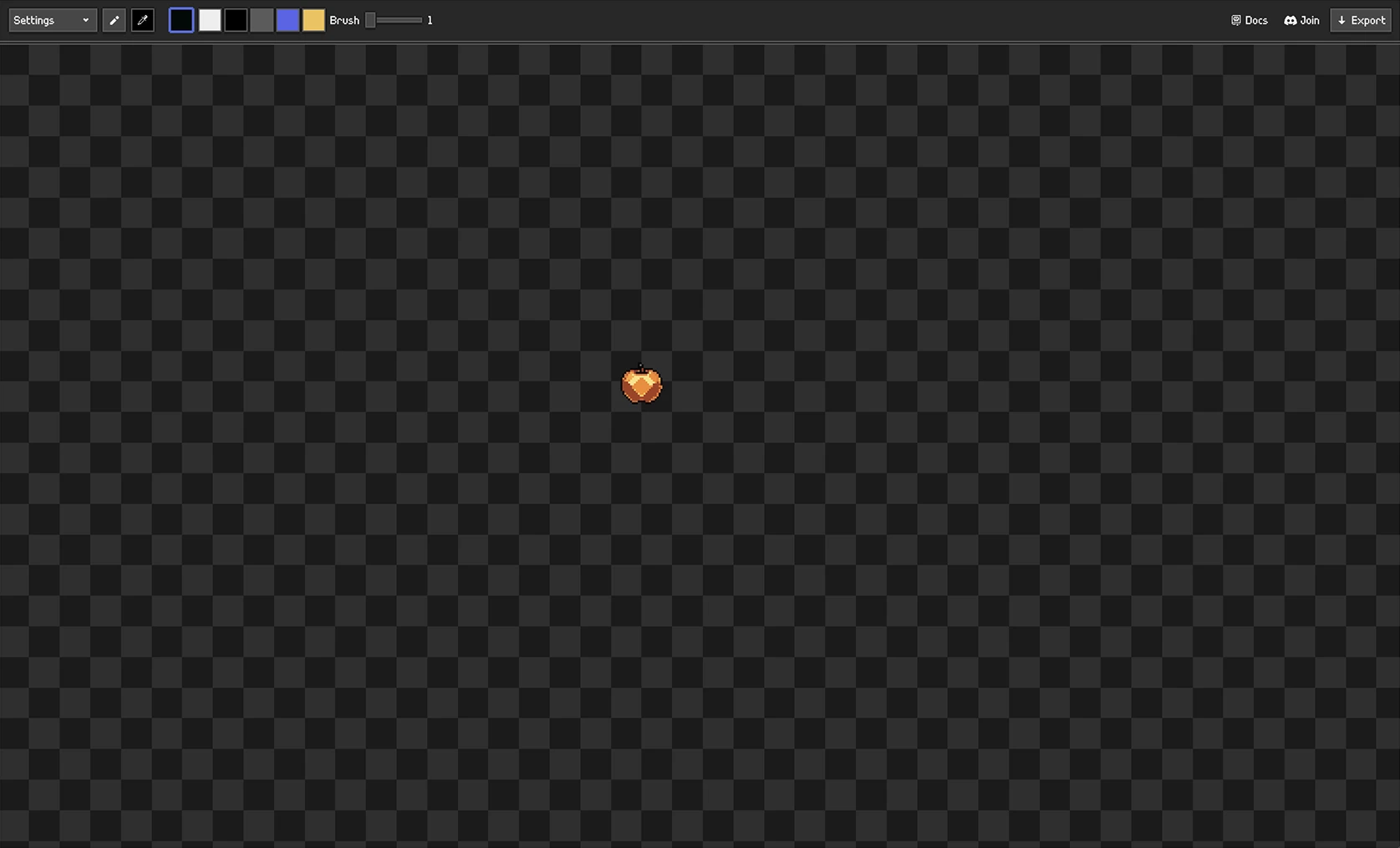
Easy-to-use pixel art editor included
The built-in pixel art editor lets you change a detail, tweak colors, and export without moving files between tools. You can also import your own pixel art to animate it.
AI Pixel Art Editor
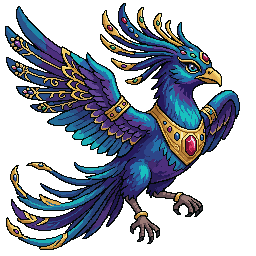
Pricing
Flexible plans for indies and pro



Starter

$9/mo

450 credits / month
-
Best for prototyping
Creator
Most popular

$19/mo
-
1,050 credits / month
-
2.3x Starter capacity
-
Best for small games
Pro

$49/mo
-
3,000 credits / month
-
6.7x Starter capacity
-
Best for large games projects
All plans include: Pixel art editor + Cloud sync + PNG and animation exports + Commercial use See credits costs
Other software
More Sprite Fusion tools for building game-ready pixel art and levels.
Tilemap Editor
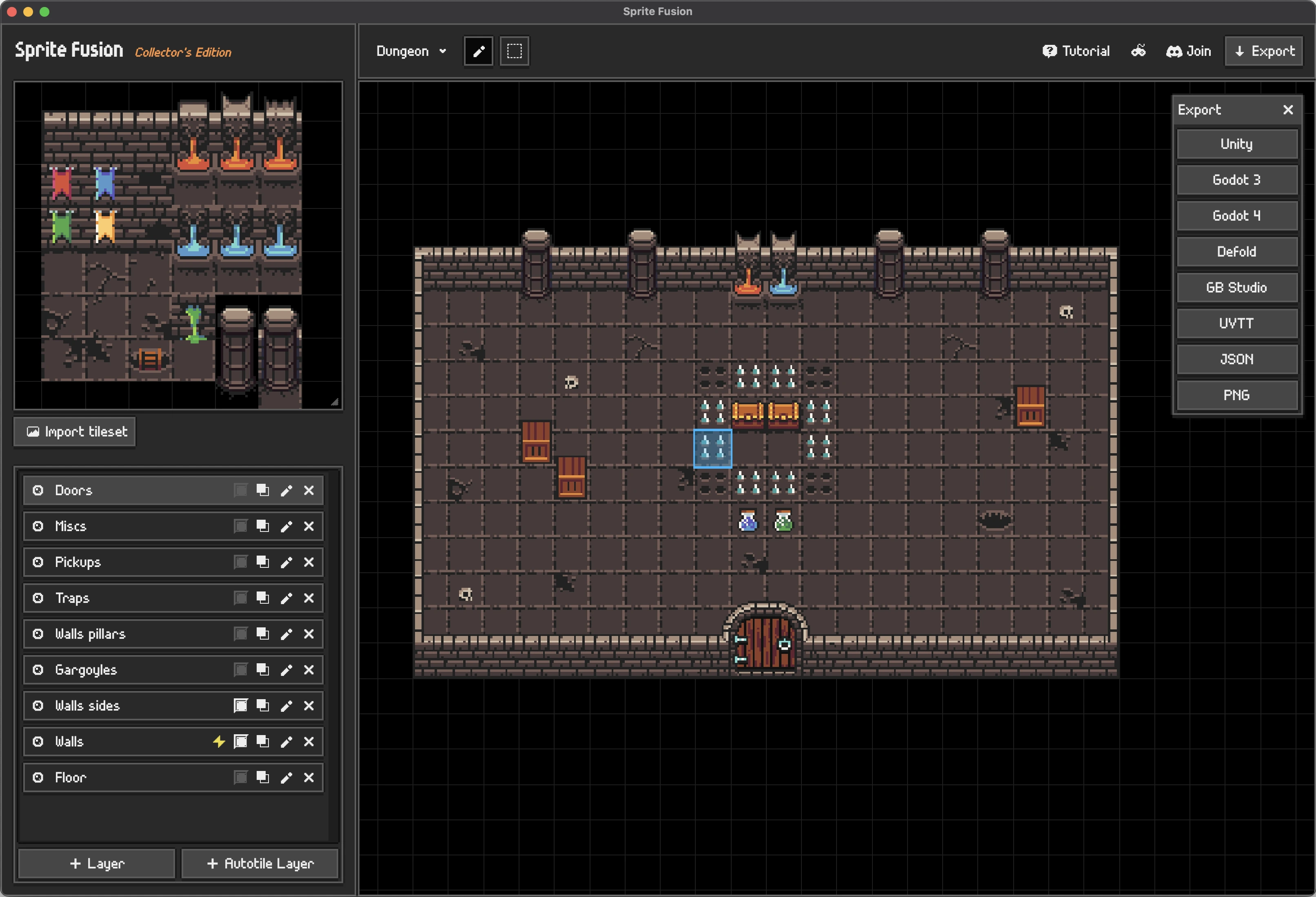
Tilemap Editor
Design 2D levels in your browser with any tileset, then export directly to your game engine.
-
Import any tileset
-
Auto-tiling and collision layers
-
Exports for Unity, Godot, Defold, and more
Discover Tilemap Editor
Pixel Snapper
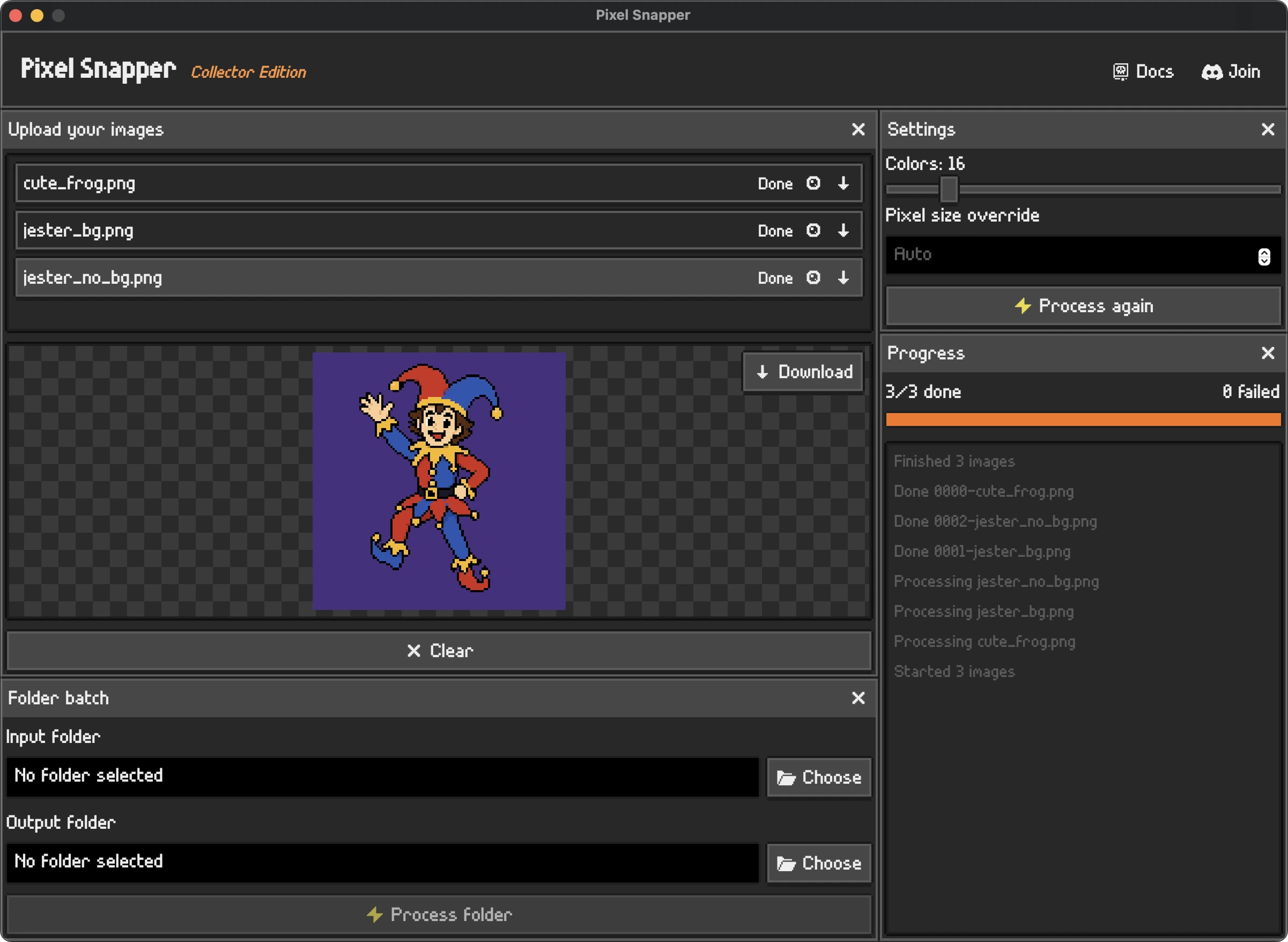
Pixel Snapper
Clean messy, blurry, or off-grid pixel art into a crisp pixel grid in seconds.
-
Fixes inconsistent pixels
-
Preserves details and dithering
-
Batch processing
Discover Pixel Snapper
Frequently Asked Questions
Check the docs or ask on our Discord server!
Can you generate TRUE pixel art with AI?
Yes. Sprite Fusion uses specialized pixel art generation models to create authentic pixel-art-style assets, not regular images passed through a pixelated filter. It understands the visual grammar of pixel art: clean outlines, grid-aligned forms, controlled palettes, dithering patterns, and the small details that make assets feel hand-crafted.
Does Sprite Fusion use its own AI pixel art model?
Yes. Sprite Fusion uses an in-house model built specifically for professional pixel art. It is the most advanced pixel art generation model, designed for clean, game-ready assets, exact output sizes, and the visual constraints of true pixel art.
How to generate pixel art animations with AI?
Sprite Fusion can generate pixel art animations from a simple prompt. Describe the action you want, and Sprite Fusion AI will create a genuine pixel-art-style animation.
Is Sprite Fusion made for game assets?
Yes. Sprite Fusion is focused on usable pixel art assets, not generic AI images. The goal is to create centered, editable assets you can export and use in a game project.
What kinds of pixel art sprites can I create?
You can create characters, props, items, enemies, collectibles, UI icons, and other game-ready sprites from a prompt.
Can I animate generated pixel art?
Yes. You can generate a still pixel art asset, then use the animation tool to create an animated version from it.
Can I export sprite animations?
Yes. Animated assets can be exported for use outside Sprite Fusion.
Does it include a pixel art editor?
Yes. Sprite Fusion includes an AI pixel art editor so you can correct, repaint, erase, and refine generated assets manually without leaving the generator.
What is the built-in pixel art editor for?
It is for correcting details on generated sprites. Generate the asset, repaint only what you want to change, and export from the same workflow.
Can I draw pixel art manually?
Yes. You can draw directly in the editor, even before generating an asset.
Can I edit the AI output after generation?
Yes. Generated images are loaded into the editor, where you can adjust pixels by hand before exporting or animating.
Can I import pixel art made in another editor?
Yes. You can import your own pixel art and then edit, animate, and export it in Sprite Fusion.
Does it support transparent backgrounds?
Yes. Sprite Fusion is designed around asset-style outputs, including transparent-background pixel art when enabled.
Does Sprite Fusion support exact pixel art size control?
Yes. Sprite Fusion lets you choose from multiple exact output resolutions, including 16x16, 32x32, and 64x64, and generates clean pixel art constrained to the selected size.
Can I use the pixel art in my game?
Yes. Sprite Fusion is built for indie game workflows: generate an asset, correct any detail you want to change, export it, and bring it into your engine.
Can I use the generated pixel art in Unity, Godot, and other engines?
Yes. Pixel art assets can be exported as images or animations for any engine. And Sprite Fusion also has native Unity and Godot plugins so you can generate assets directly inside those editors.
Is it a photo-to-pixel-art converter?
Not primarily. Sprite Fusion is focused on text-to-pixel-art generation and editing, not converting photos into pixel art.
Can it create pixel art backgrounds or scenes?
Yes, but the main workflow is optimized for individual game assets. If you want a background or scene, describe that clearly in the prompt.
What makes it different from a generic AI image generator?
Sprite Fusion is built around pixel art asset workflows: small resolutions, editable pixels, transparent asset framing, animation, and export.
Do I need to know pixel art to use it?
No. You can start from a prompt, then make small manual edits in the editor if needed.
Can I make AI sprite sheets?
Sprite Fusion can create animated pixel art assets, but the workflow is centered on generating and exporting assets rather than building full animation timelines by hand.
Does the pixel art editor run in the browser?
Yes. The AI pixel art editor runs in the browser and is part of the Sprite Fusion generation workflow.