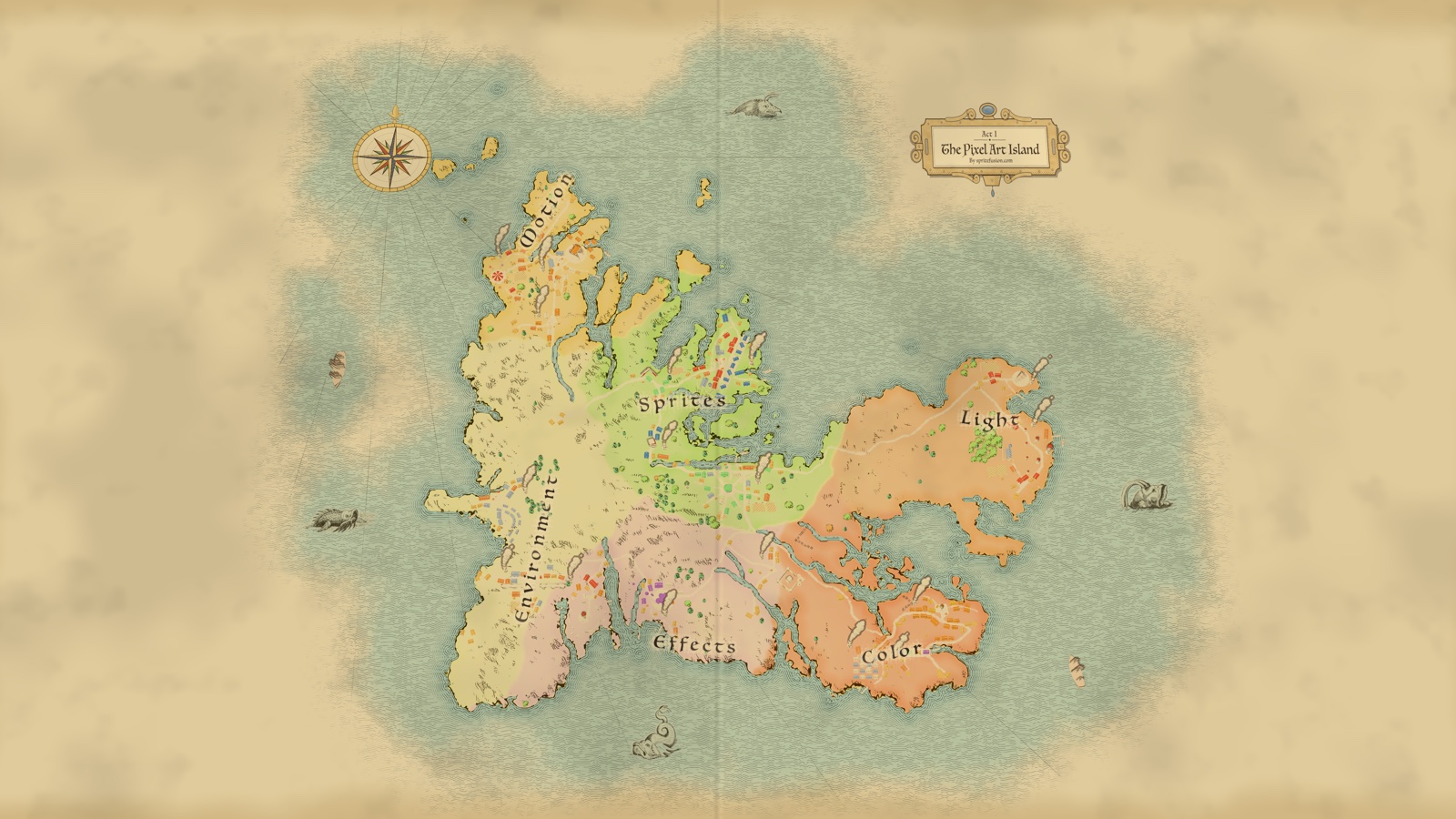
Color · Act I
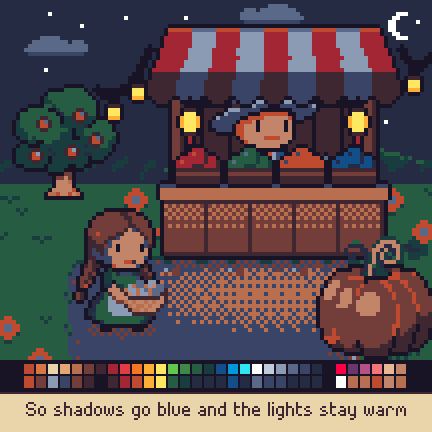
The naive way to set up night in pixel art games is to tint the whole thing with a cold blue color. A better way to handle that is to keep a table that says what every color becomes, and read each pixel through it. Shadows can go blue while the lights stay warm. Swap the table and the whole game changes season. Blend two for dusk.
Grade my game with color lookup tables: one small picture per mood, blended as the mood changes.
Read the whole briefFold the brief
Add color grading by lookup table (LUT) to my [2D pixel art] game.
Moods: [day, dusk, night].

- Start from a neutral lookup: a 256 x 16 strip holding a 16 x 16 x 16 block of colors, each one answering itself.
- For each mood I color-correct a screenshot in a paint program, then apply the same adjustments to a copy of that strip.
- In one full-screen pass, replace each pixel's color by the color at its place in the mood's strip.
- To change mood, blend from one strip to the next over [3] seconds. Keep every strip the same size.
- If my art keeps to a fixed palette of [32] colors, one row of [32] entries is enough, and every answer stays in the palette.
- Let chosen colors keep their own answer in a dark mood: [lantern yellow] stays [lantern yellow] at night.
- Draw the interface after the lookup, so its colors are not changed.

Show me one scene under every mood, with its strip beside it, before you wire it to the clock.
Change what stands in [brackets] to fit your game.
- One set of art must carry many moods: hours, seasons, weather, a cursed zone. Each mood is one small picture an artist grades in a paint program.
- A mood must treat colors differently: shadows to blue, lamps still warm, a red kept red. One tint over the whole screen cannot do that.
Not forLight that has a place. A lookup changes a color the same way all over the screen, so it cannot light the ground under one lamp. That takes real lights.
Graveyard Keeper's artist made 10 lookup tables for the times of day.[1] Unreal Engine stores one as a 16 x 16 x 16 block unwrapped to a 256 x 16 texture.[2] Unity can blend several of the same size.[3] The stall and its 32-color row are this atlas's own.
- Svyatoslav Cherkasov, Graveyard Keeper: How the graphics effects are made, Game Developer, 2018
- Using Look-up Tables for Color Grading in Unreal Engine, Unreal Engine documentation
- Color Grading, Unity Post Processing manual
A lookup table works best on art that keeps to a fixed palette. Pick one from the popular pixel art palettes, free to download.
Browse the palettes