
55 colors
by Nintendo


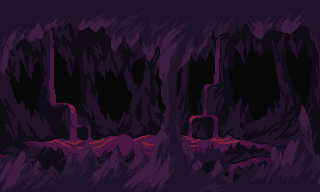
Browse and download popular pixel art palettes for sprites, tilesets, and game assets. Or use one in Pixel Snapper.
NES
55 colors
by Nintendo
SNES
32 colors
by Jehkoba
Game Boy
4 colors
by Black Zero
Game Boy Color
31 colors
by keyros
Virtual Boy
4 colors
by Nintendo
Pokémon SGB
4 colors
by Game Freak / Nintendo
Mario Paint
15 colors
by Nintendo
Master System
64 colors
by SEGA
Mega Drive / Genesis
34 colors
by MetaruPX
Atari 2600
104 colors
by Atari
C64
16 colors
by Commodore
ZX Spectrum
15 colors
by Sinclair Research
CGA
16 colors
by IBM
EGA
64 colors
by IBM
Amstrad CPC
27 colors
by Amstrad
MSX
15 colors
by Microsoft / ASCII
Apple II
15 colors
by Apple
PICO-8
16 colors
by Lexaloffle
TIC-80
16 colors
by GrafxKid / TIC-80
MacPaint
2 colors
by Polyducks
Intellivision
16 colors
by Mattel Electronics
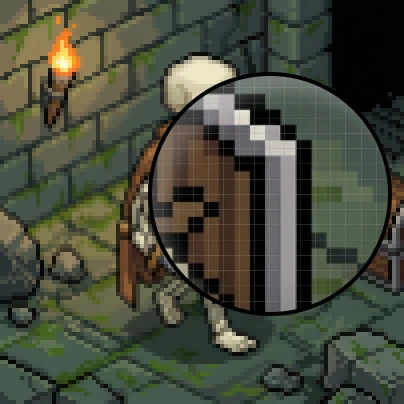
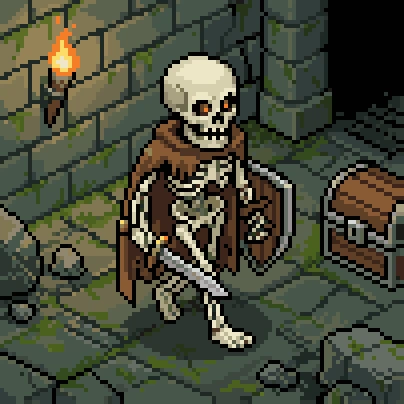
A fixed pixel art color palette keeps every asset in the same visual language. Pixel Snapper matches the image to your chosen colors while fixing mixels, blurry edges, and off-grid pixels.
Messy pixel art with off-grid pixels
Fixed with Pixel Snapper
Try Pixel Snapper
More Sprite Fusion tools for building game-ready pixel art and levels.
Pixel Art Generator
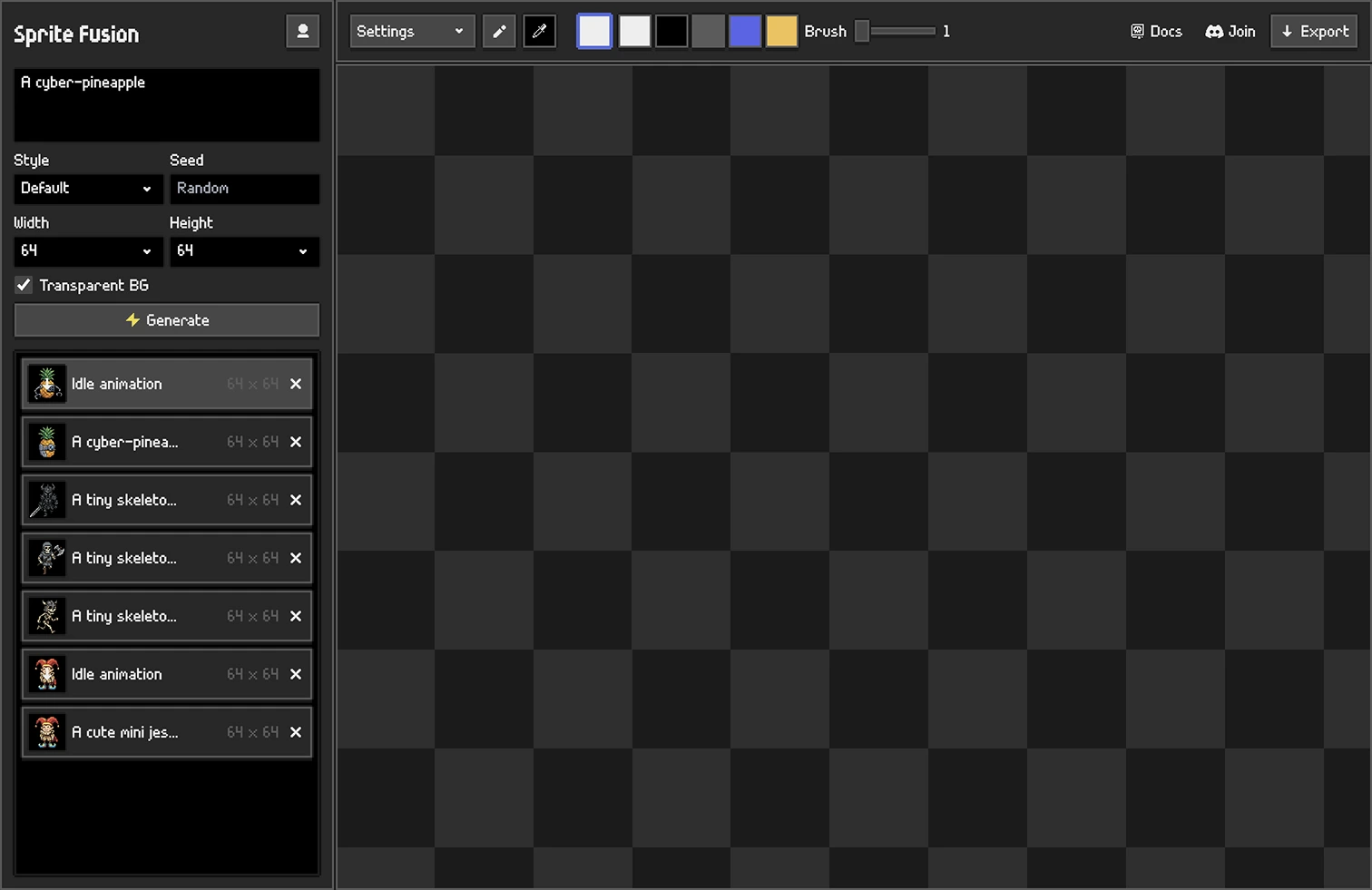

Generate, animate, and polish game-ready pixel art assets from a complete browser studio.

Professional pixel art generation
Animation sprites generation
Built-in pixel art editor
Generate Pixel Art
Tilemap Editor
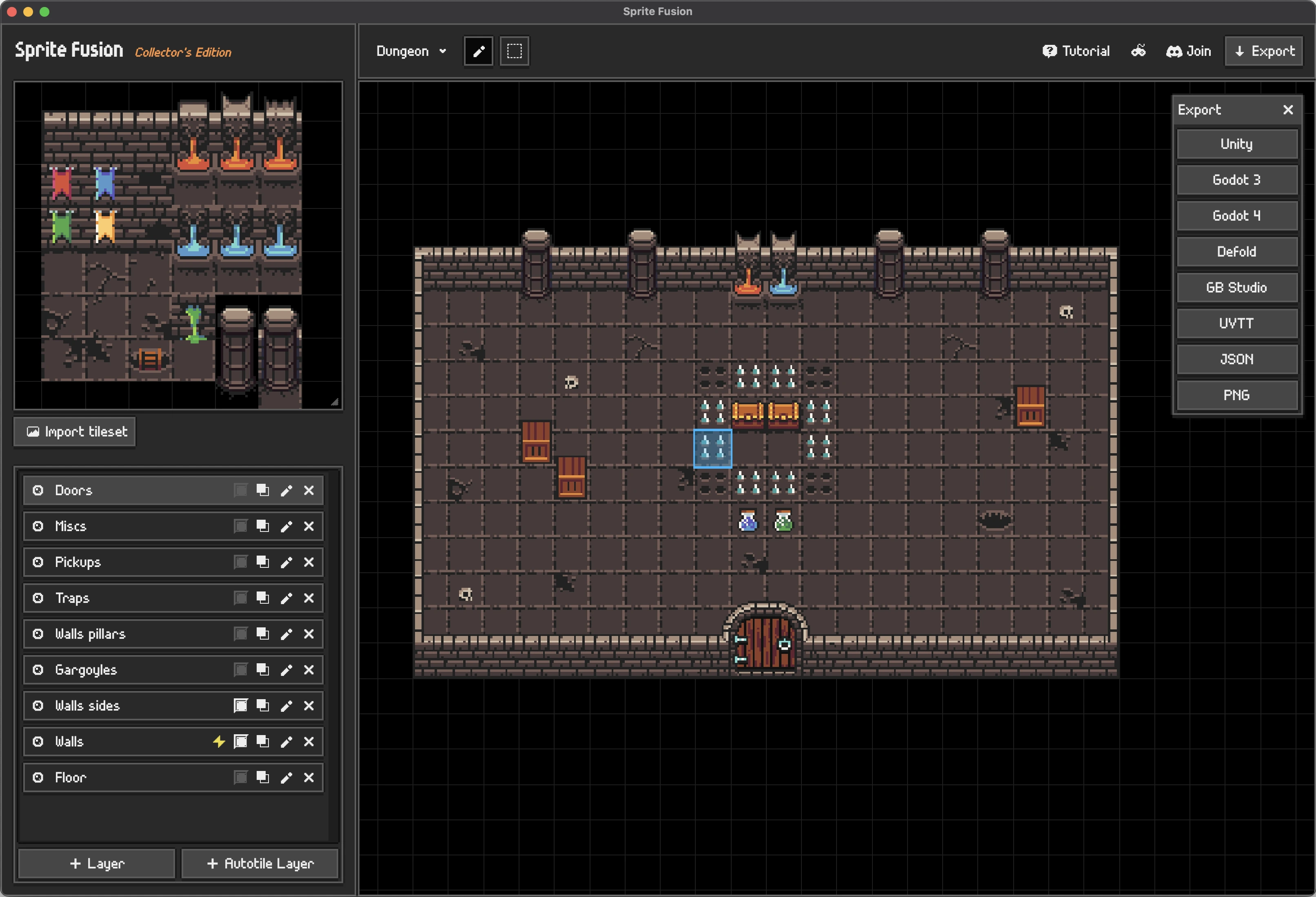
Design 2D levels in your browser with any tileset, then export directly to your game engine.
Import any tileset
Auto-tiling and collision layers
Exports for Unity, Godot, Defold, and more
Discover Tilemap Editor
Check the docs or ask on our Discord server!
What is a pixel art color palette?
A pixel art color palette is a limited set of colors used throughout an artwork or project. Reusing the same colors helps sprites, tilesets, backgrounds, and UI elements feel consistent.
How do I choose a color palette for pixel art?
Choosing a pixel art palette is all about the mood you want. Try a few palettes and trust your eye, you know better than anyone what you want your game to evoke.
How many colors should a pixel art palette have?
There is no required number. Palettes with 8 or 16 colors work well for a compact retro look, while 32 or 64 colors can support richer scenes and larger game assets. The best size is the smallest palette that still gives your artwork the range it needs.
How do I use a downloaded PNG palette?
Open or import the PNG in your pixel art editor, then sample its colors with the color picker. Editors that support palette images may also let you import the PNG directly as a color palette.
Can I use these palettes with Pixel Snapper?
Yes. Download a palette as a PNG, then import it into Pixel Snapper as a custom palette. Pixel Snapper will use its colors while preserving transparency, helping your sprites and game assets share a consistent color range.