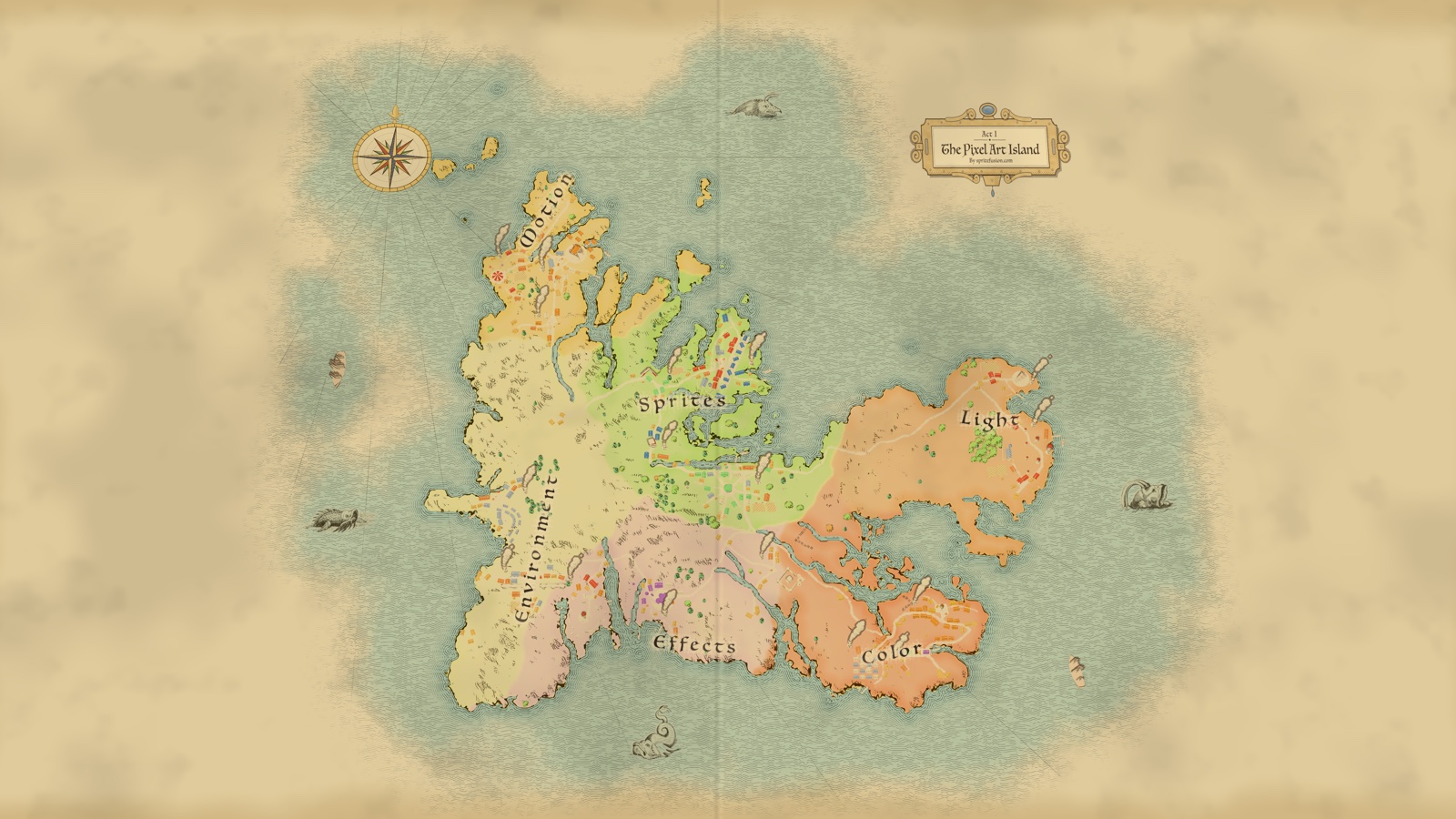
Sprites · Act I
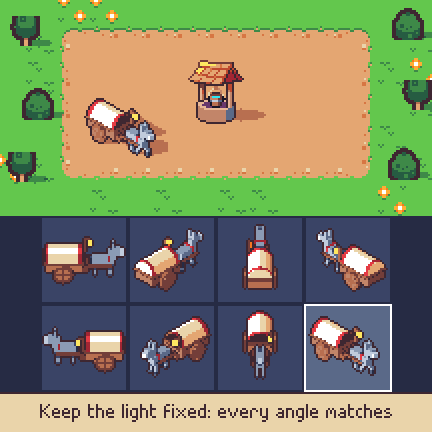
Instead of drawing sprites, render a 3D model and use each frame as a sprite. This is well done in Factorio: Models are built and animated in Blender, then rendered into 2D sprites and used in the game as spritesheets.
Make my sprites from a 3D model: render it from 8 angles, tiny and unsmoothed, into a sprite sheet.
Read the whole briefFold the brief
Build a pre-rendered sprite pipeline for my game: 3D models in, pixel art sprite sheets out.
Subject: [a merchant's cart pulled by a donkey].

- Model it low poly, in flat colors from my palette. No textures.
- Camera: orthographic, [35] degrees above the horizon.
- Light: fixed in the world. The model turns under it, so the lit side always faces the same way.
- Render [8] headings at [44] px, one sample per pixel, no antialiasing.
- Snap the shading to [4] tones per color. Add a 1 px dark outline round the shape.
- Pack one row per animation and one column per heading into a sprite sheet.
- In the game, pick the column from the direction of travel.

Show me the sheet before you wire it in.
Change what stands in [brackets] to fit your game.
- When you need a pixel art style and almost everything is needed at multiple angles.
- When you need a 3D-looking game and hunt for optimization, this is a good trick as it will use PNGs instead of meshes.
Not forSmall sprites (under 24px in size), fine pixel-art art direction.
Diablo II rendered its 3D models from 8 angles for monsters and 16 for heroes.[1] Factorio renders its machines in Blender and packs them into sheets.[2] Dead Cells keeps a normal map with each small frame.[3] The figure is this atlas's own.
- Erich Schaefer, Diablo II postmortem, 2000
- Friday Facts #146, Factorio blog
- Thomas Vasseur, Using a 3D pipeline for 2D animation in Dead Cells, Game Developer, 2018
No 3D model at hand? Sprite Fusion draws a sprite's eight directions from one picture of it.
Open the generator