 Sprite Fusion
Godot Plugin
Generate pixel-art spritesheets and animations inside Godot with no code, terminal commands, CLI install, or MCP setup.
1. Install
The Godot plugin is available on the Godot Asset Store.
Install it from the store, or search for Sprite Fusion in Godot's Asset Store tab.
For manual installation from GitHub:
- Download the latest release from spritefusion-godot.
- Unzip it.
- Copy
addons/spritefusioninto your Godot project.
Then open:
Project > Project Settings > PluginsEnable the Sprite Fusion plugin.
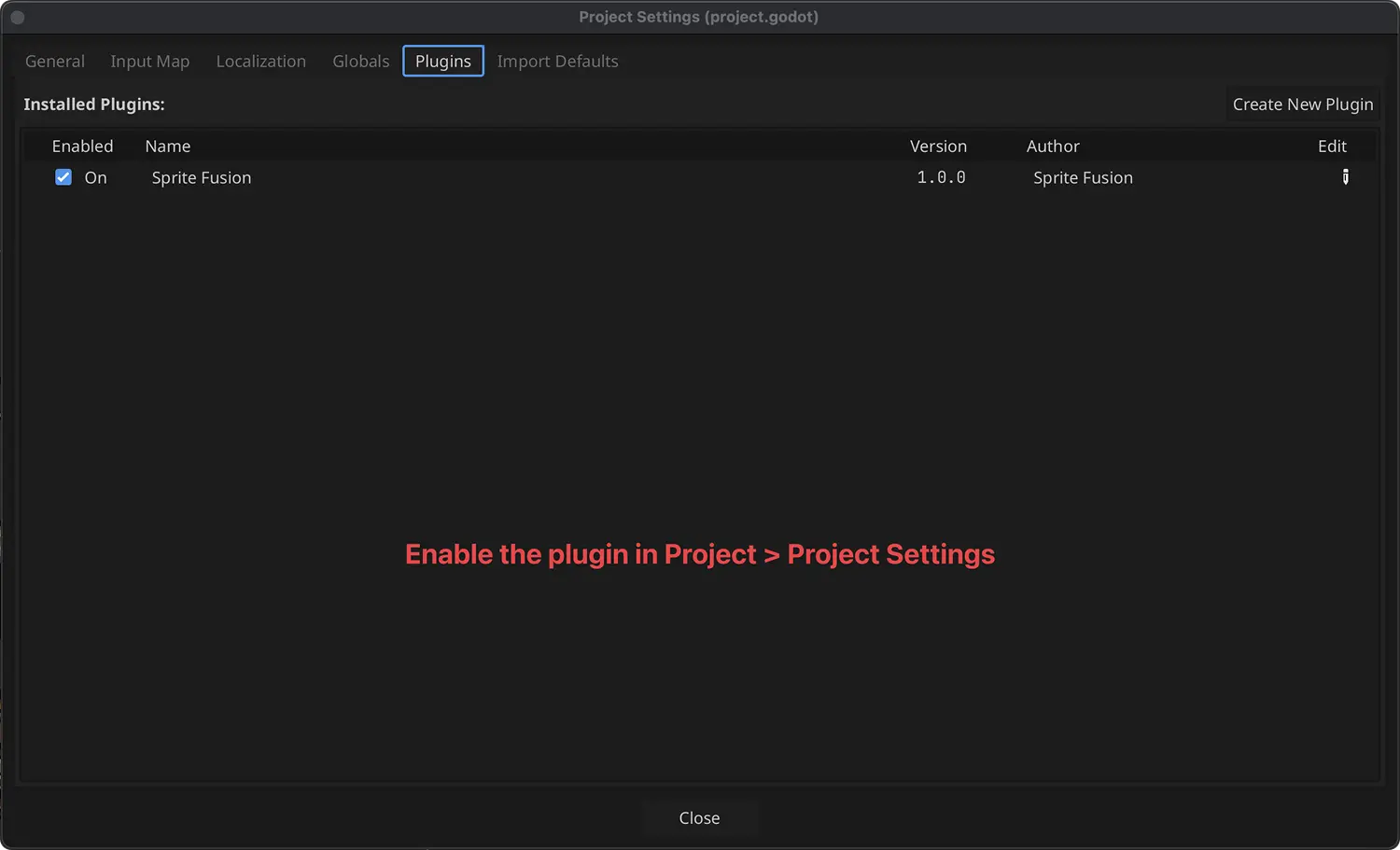
2. Connect Your Account
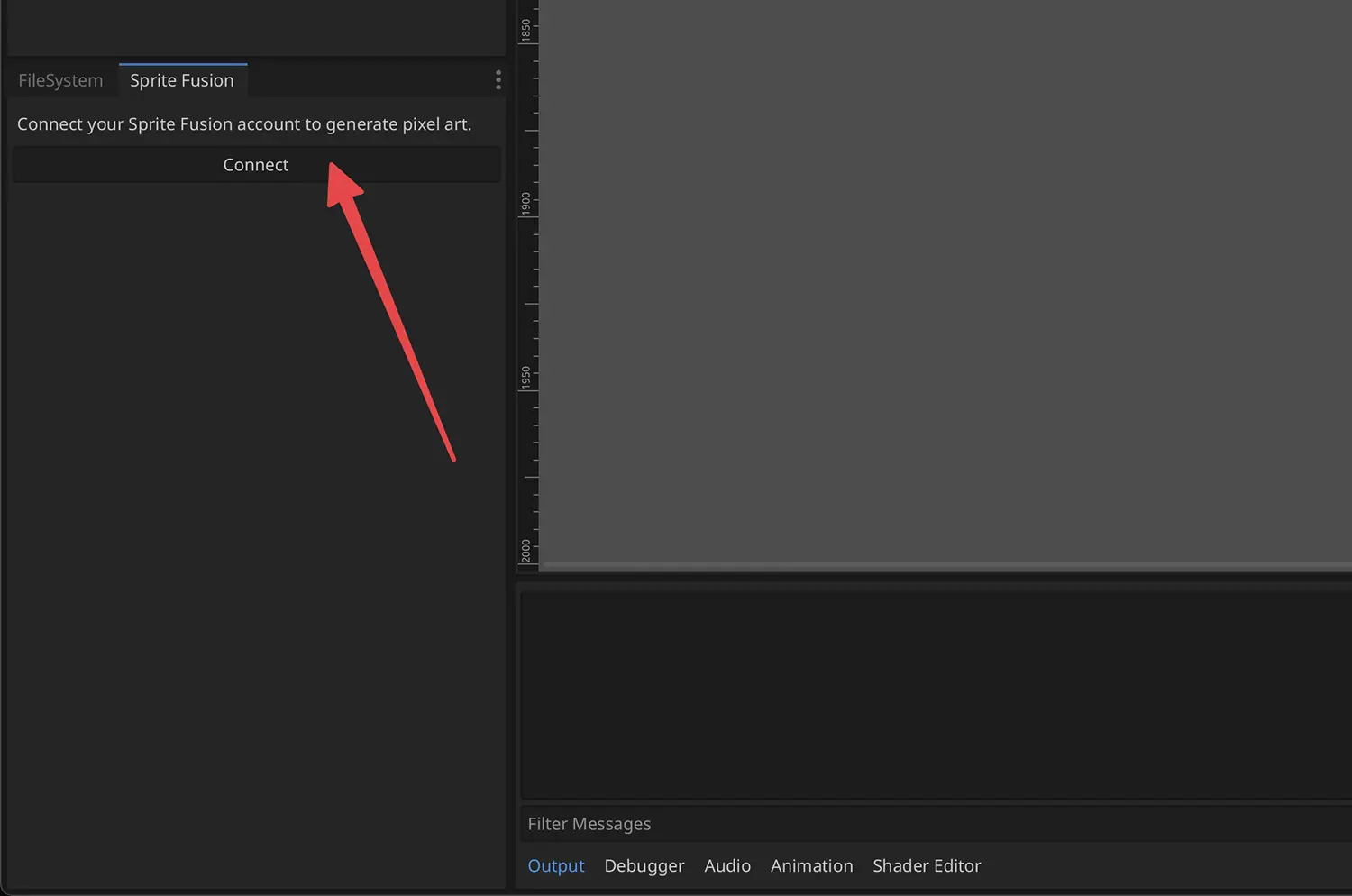
Open the Sprite Fusion tab in the FileSystem dock area and click Connect.
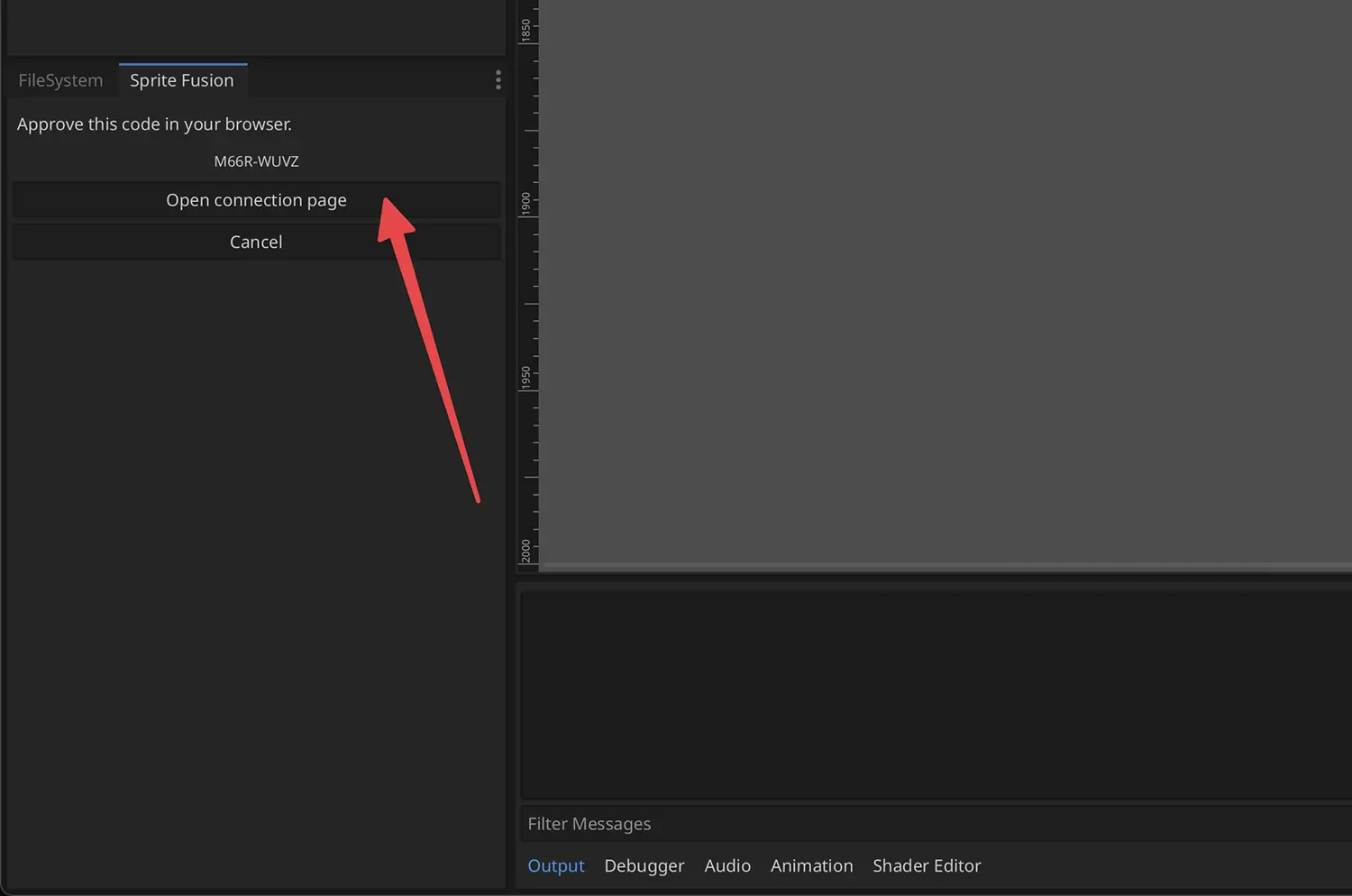
Open the connection page in your browser.
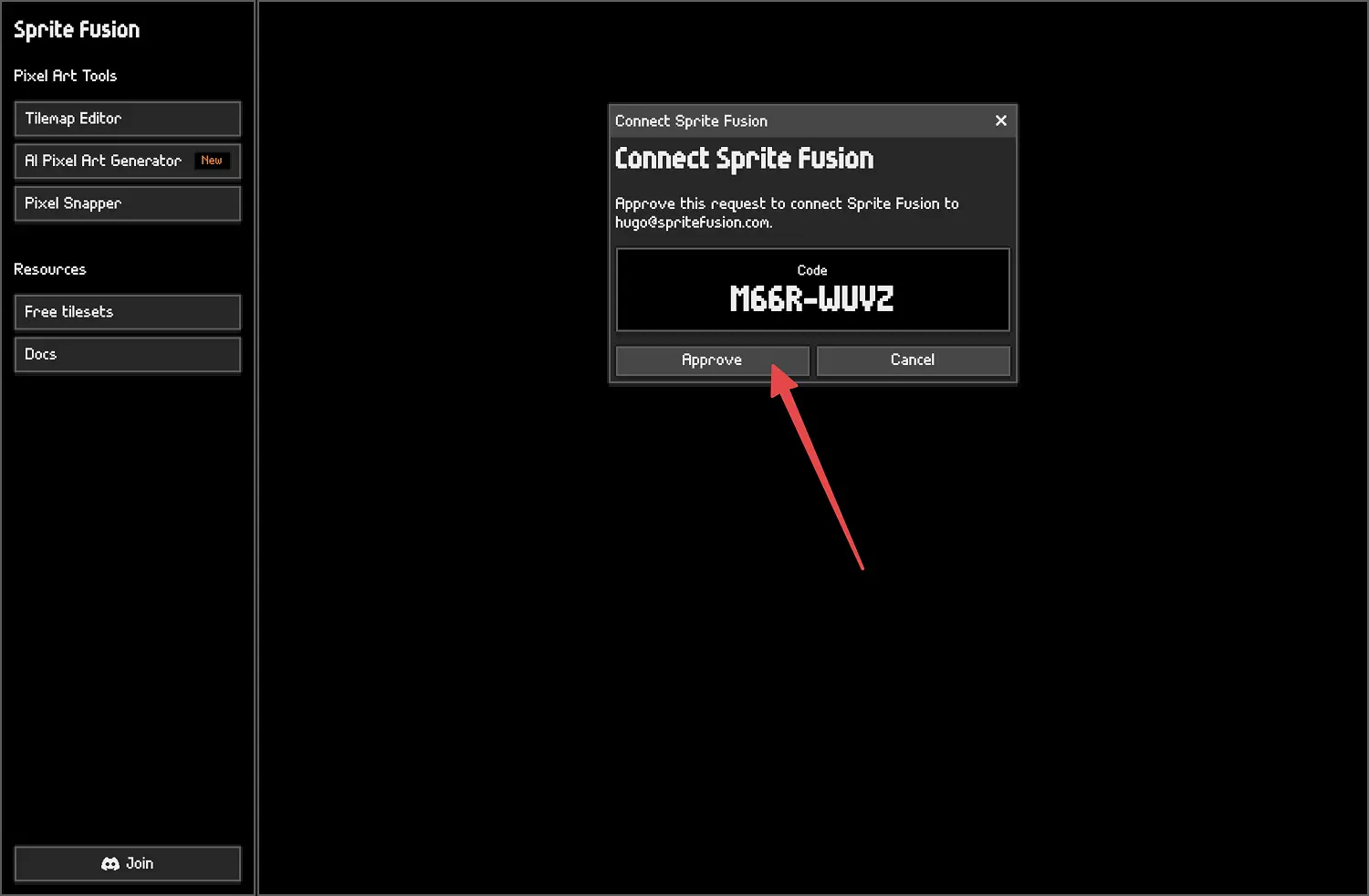
Approve the connection code.
Return to Godot. You are connected and ready to generate.
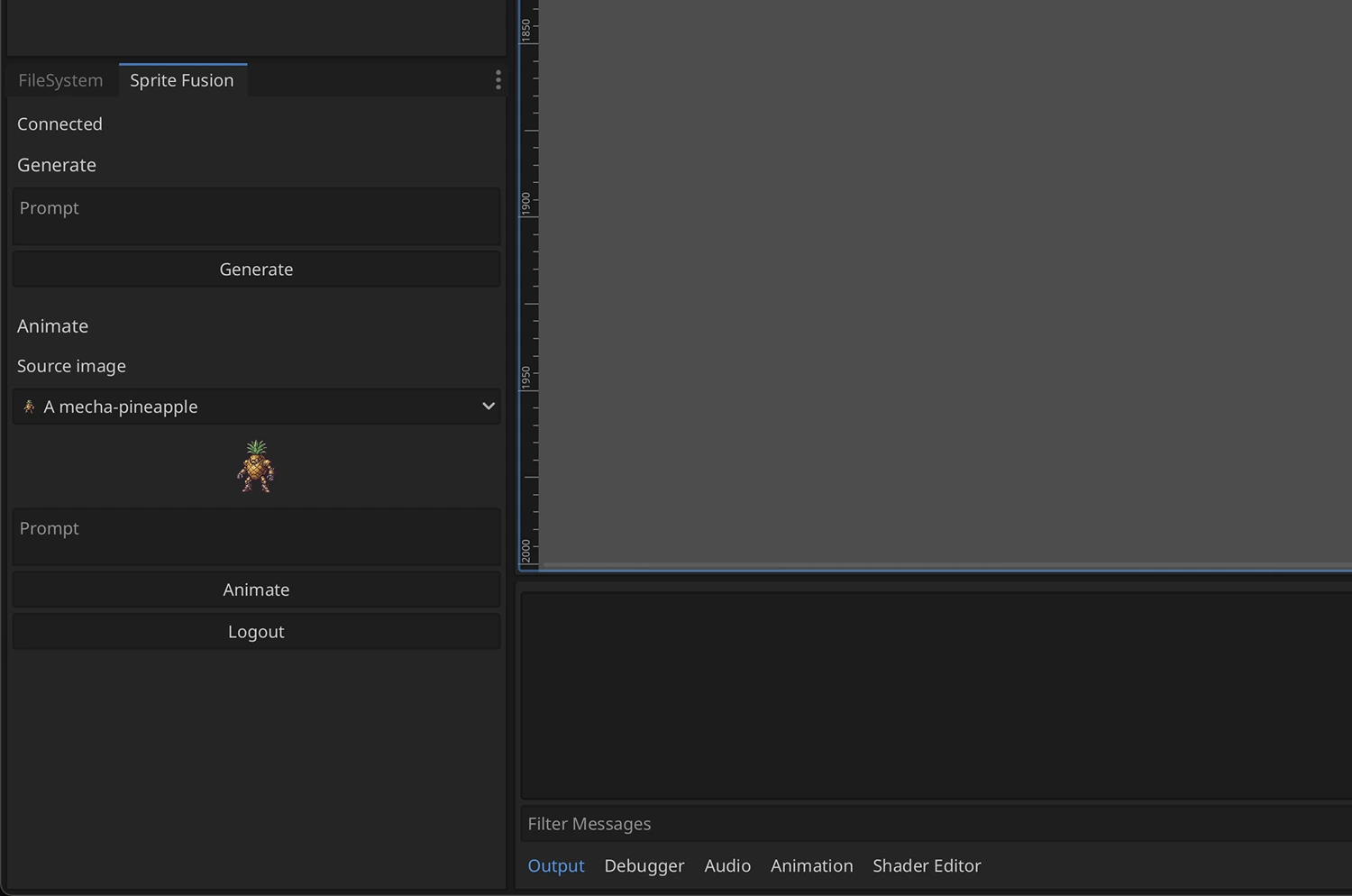
Generate a Sprite
- Enter a prompt.
- Choose
16x16,32x32, or64x64. - Click
Generate. - Up to 12 generated PNGs are saved under:
res://spritefusion/generatedGodot imports the generated images into your project so they appear in the FileSystem dock.
Generate an Animation
- Generate or select a source image.
- Enter an animation prompt, like
idle animationorwalk cycle. - Click
Animate.
The plugin saves the animation assets under res://spritefusion/generated and creates a Godot SpriteFrames resource for use with AnimatedSprite2D.
Troubleshooting
The plugin is disconnected
Click Connect again. If the local session expired, Sprite Fusion will create a new integration session.
