 Sprite Fusion
Quick Start
Generate your first pixel art asset, clean it up, animate it, and export it from Sprite Fusion.
1. Describe your asset
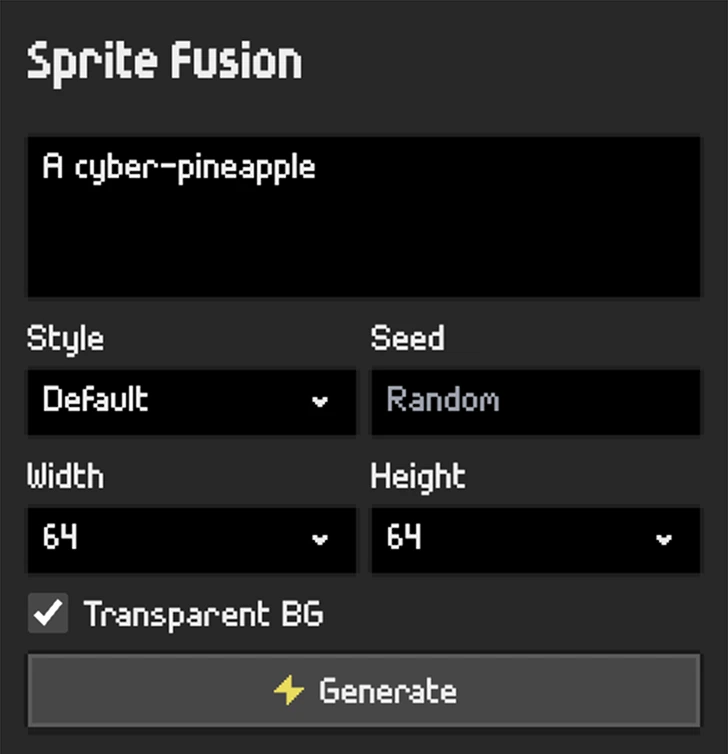
Open the Pixel Art Generator, describe the asset you need with a clear prompt. It can be highly detailed.
Keep the prompt focused on the asset you want.

2. Choose a size
Choose 16x16, 32x32, or 64x64.
3. Review the generated asset
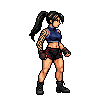
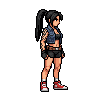
Generated assets appear in the asset list on the left.
Click an asset to load it in the editor. If something needs a small fix, use the editor to clean it by hand before exporting or animating.
4. Animate
With an asset selected, go to the Animate prompt input in the canvas, and describe the motion.
Here, our prompt is:
Punch animation
More on Tips for Animations.
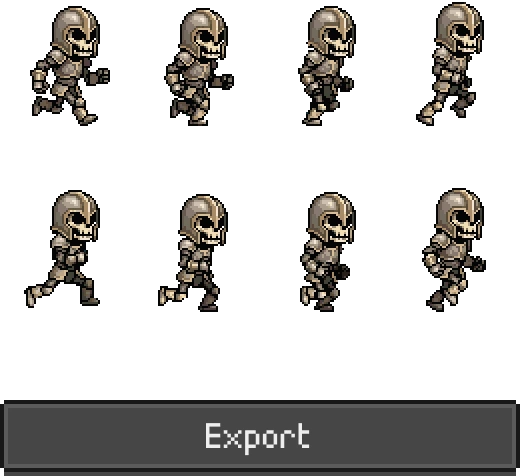
5. Export
Export your asset by clicking Export on the top-right of the editor.
Still images export as PNG. Animations export as animation files and frame assets.
Next
- Edit Your Pixel Art
- Generate 8 Directions for Your Pixel Art
- Generate Pixel Art with Style Consistency
- Exporting
