 Sprite Fusion
Tilemap Editor
Quick Start
Learn how to create your first Sprite Fusion map, and export it to your game engine.
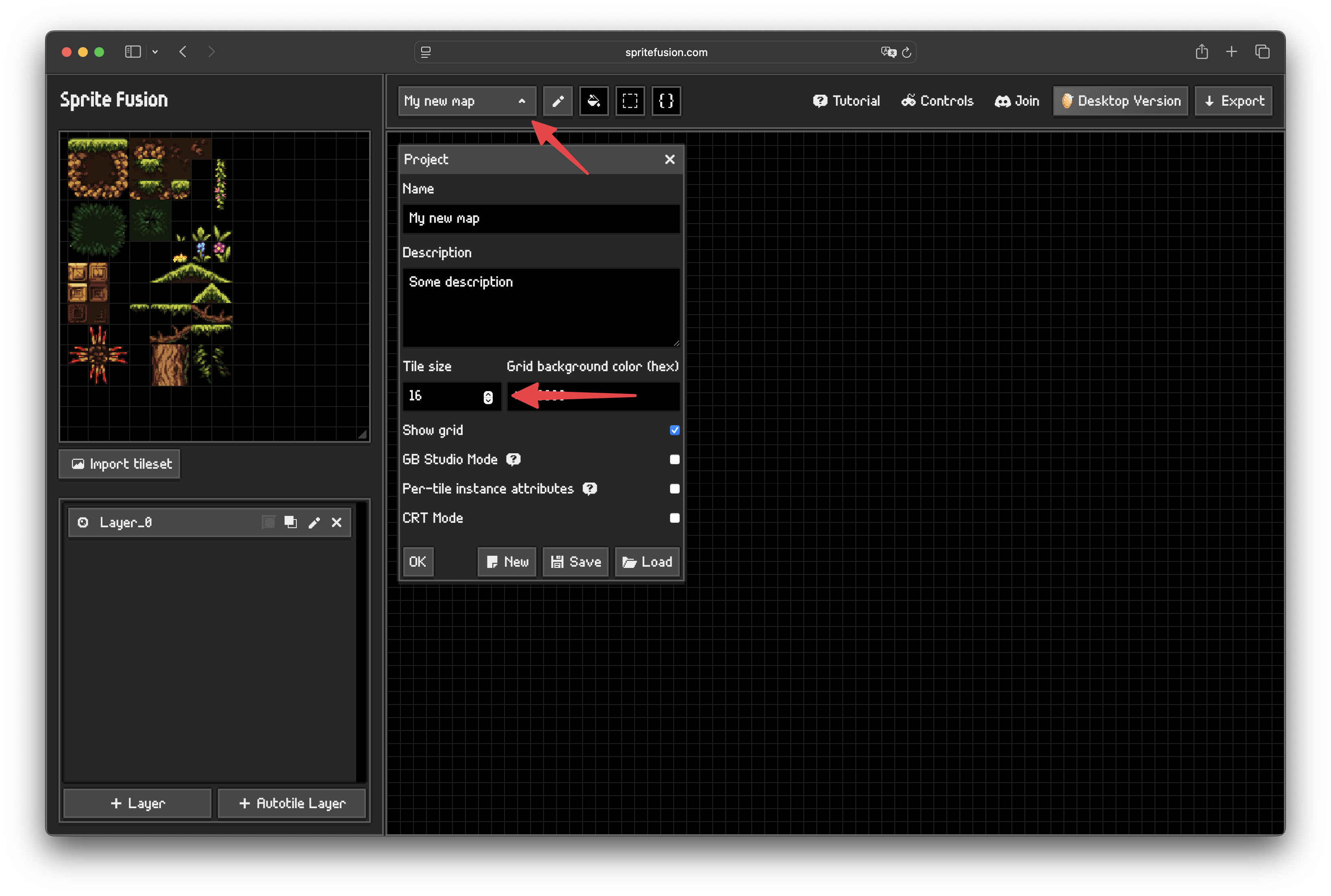
1. Set the tile size
Open the project panel to set the tile size. E.g. if your tileset is made of 16x16 pixels tiles, your tile size should be 16.
2. Import a Tileset
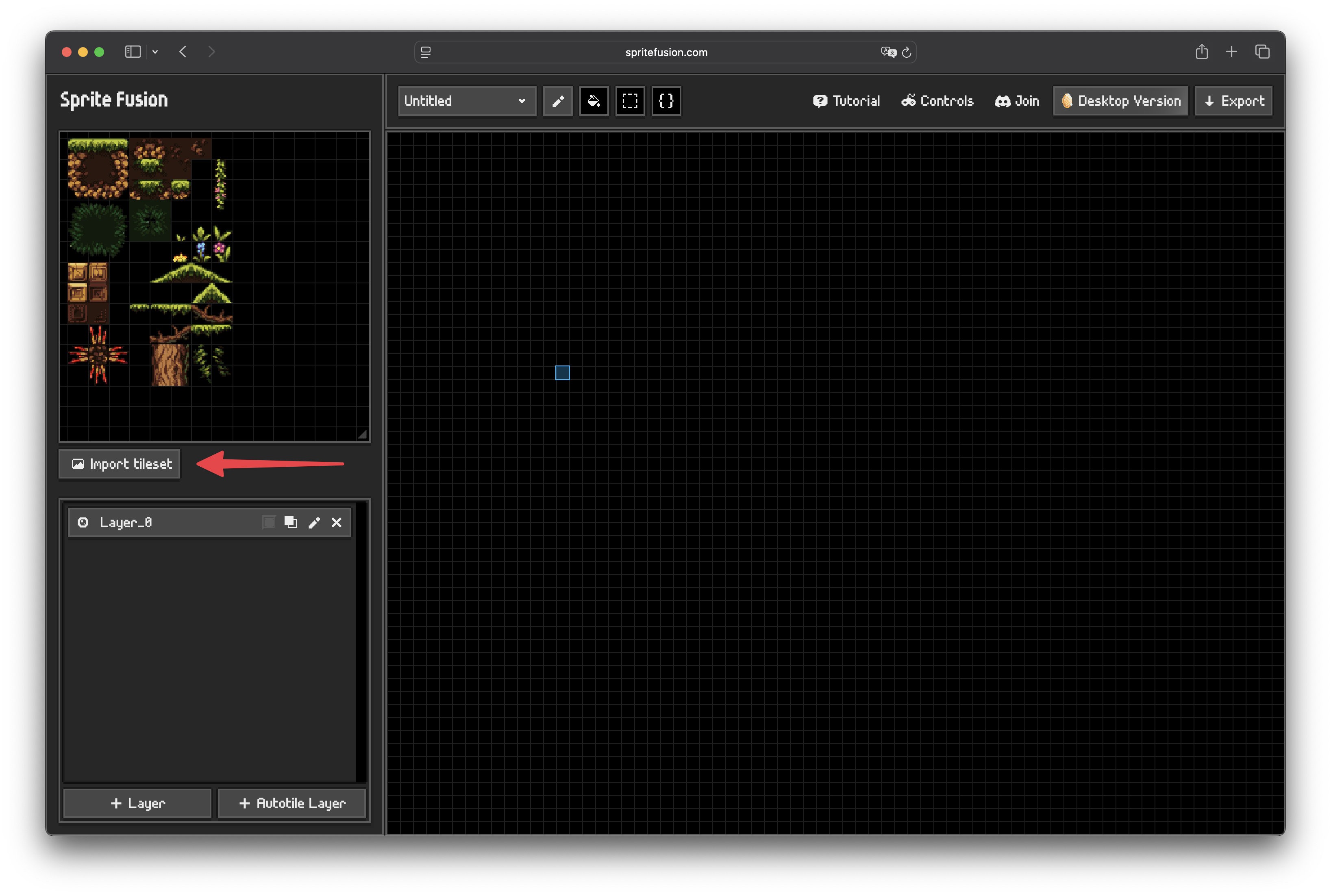
Tilesets can be imported in three ways:
- by dragging and dropping an image into the editor
- by importing an image file
- by pasting an image file from your clipboard
3. Draw with tiles
- Select tiles in the tileset panel
- Use the

Penciltool for direct painting - Use the

Filltool for area fills - Use the

Selectiontool to move or copy an existing block of tiles - Use the

Attributestool to edit tile data
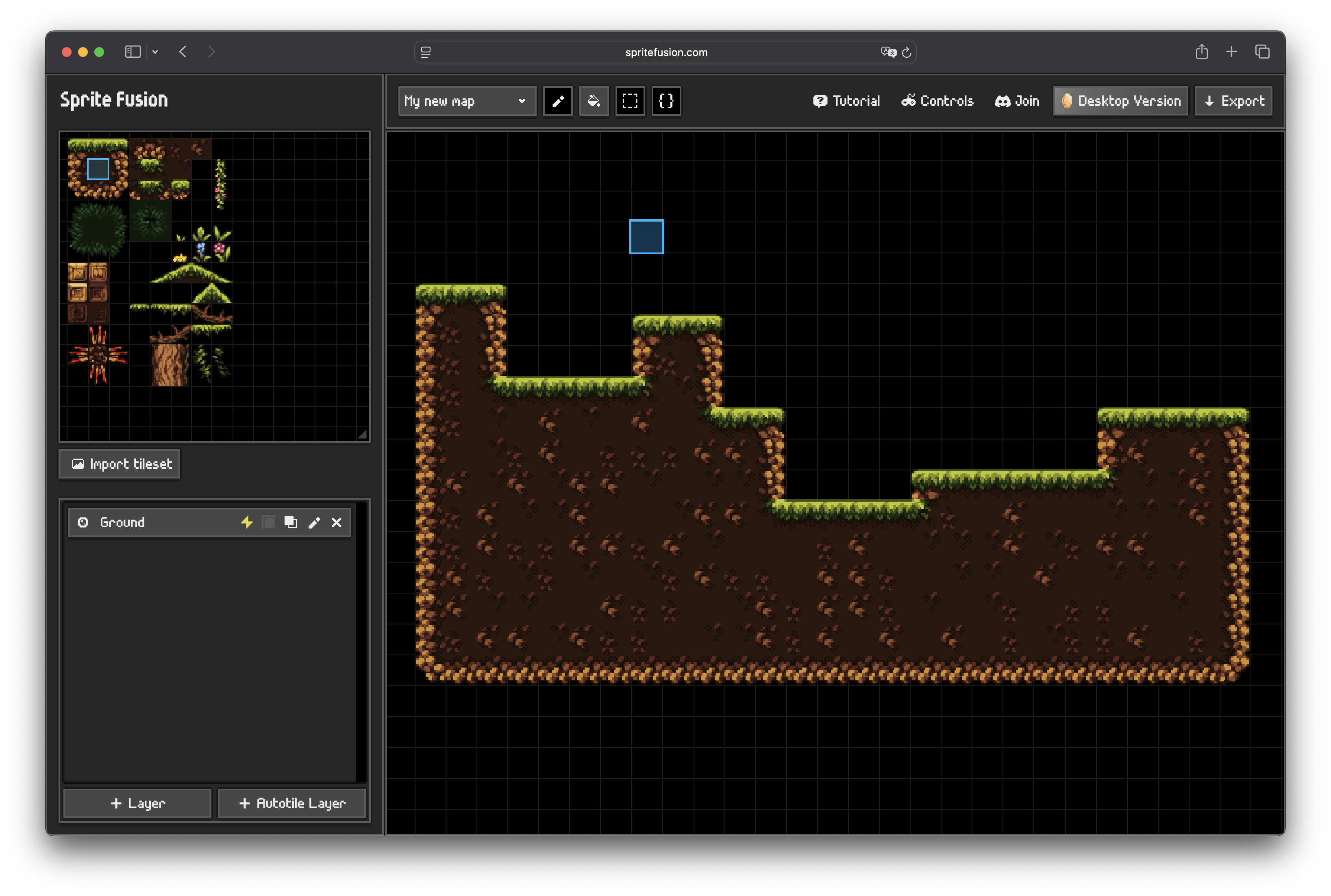
Learn more on how to use the tools in the Draw Modes page.
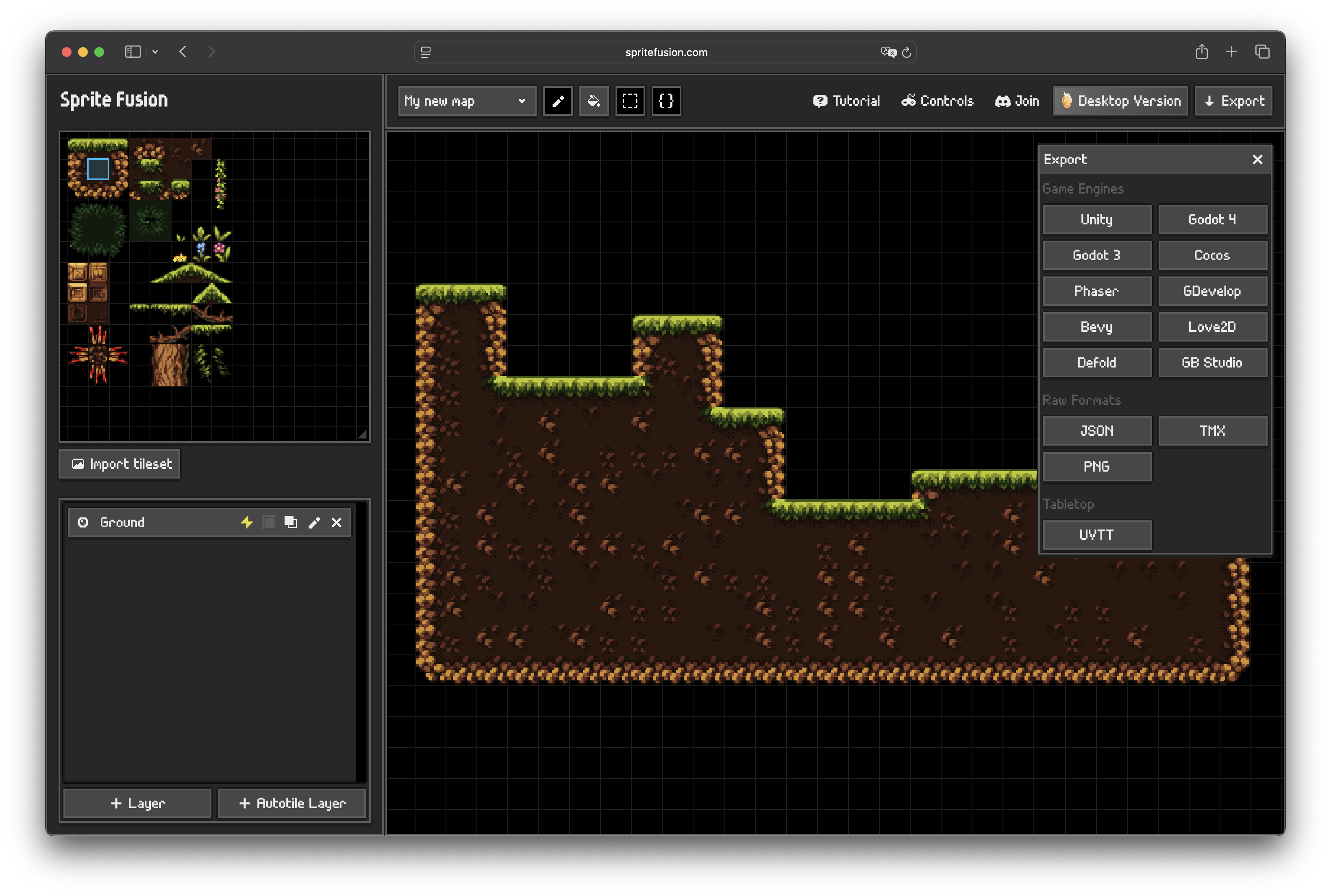
4. Export your map
Open the export panel and choose the target that matches your engine, Sprite Fusion supports major game engines out of the box like Unity, Godot, Phaser, GDevelop, Love2D, GBStudio, and more.
Get the Desktop Version
- Works 100% offline
- Faster map exports
- One-time purchase
- Lifetime updates included

