 Sprite Fusion
Welcome to Sprite Fusion
Official docs for Sprite Fusion, tools for game developers.
Sprite Fusion is an independent software company making tools for game development.
Use Sprite Fusion from your AI agent
Connect Claude Code, Codex, or any MCP client once, then ask your agent for sprites, animations, palettes, and normal maps. See AI Agents.
Here's what we've built so far:
Pixel Art Generator
A professional tool to generate pixel art sprites and animation, with a pixel art editor built-in.


Use for
- Generating pixel art from prompts with high guidance and professional results
- Creating animated sprites (idle, run animation, attacks etc.)
- Drawing pixel art by hand, or retouching generated ones
Start here
- Pixel Art Generator Quick Start
- Edit Your Pixel Art
- Generate 8 Directions for Your Pixel Art
- Generate Pixel Art with Style Consistency
- Tips for Animations
- Animate Your Own Pixel Art
- Unity Plugin
- Godot Plugin
- Editor
- Exporting Pixel Art Assets
- Credits Costs
Tilemap Editor
A SIMPLE, free level design tool to craft beautiful 2D tilemaps right in your browser using any tileset.

Use for
- 2D games, side-scrollers, and top-down games
- Retro game development, such as making Game Boy games with GB Studio
- Virtual tabletop map making for software that supports UVTT
- Educational apps, or any use case that requires mapping things with tiles
Start here
Pixel Snapper
An open source tool to fix messy, blurry, or off-grid pixel art by snapping it back onto a clean pixel grid.

Use for
- Cleaning AI-generated pixel art
- Restoring a consistent pixel grid
- Matching sprites and tilesets to a custom pixel art color palette
- Preparing assets for crisp scaling
Start here
Palette Snapper
Apply your game's palette to your sprites from your AI agent, for free. Also an open source web app, CLI, and WebAssembly module.
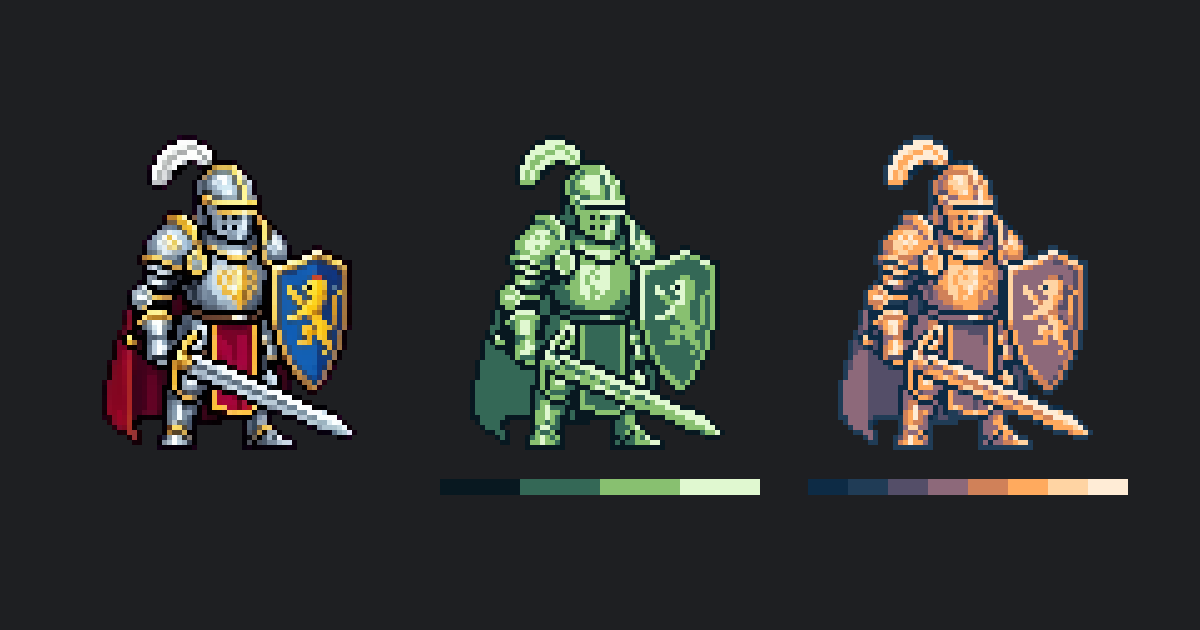
Use for
- Recoloring sprites with your game's palette, from Claude Code or Codex
- Matching sprites to a console's palette, like the Game Boy or PICO-8
- Cleaning the colors of AI-generated pixel art
