 Sprite Fusion
Unity Plugin
Generate pixel-art spritesheets and animations inside Unity with no code, terminal commands, CLI install, or MCP setup.
1. Install
The Unity plugin will be published on the Unity Asset Store.
Until then, install it from the GitHub release:
- Download
spritefusion.unitypackage. - In Unity, select
Assets > Import Package > Custom Package. - Select the downloaded package, then click
Import.
After Unity recompiles the editor scripts, open:
Window > Sprite FusionYou can keep the Sprite Fusion window floating or dock it anywhere in the Unity Editor layout.
2. Connect Your Account
Open the Sprite Fusion window and click Connect.
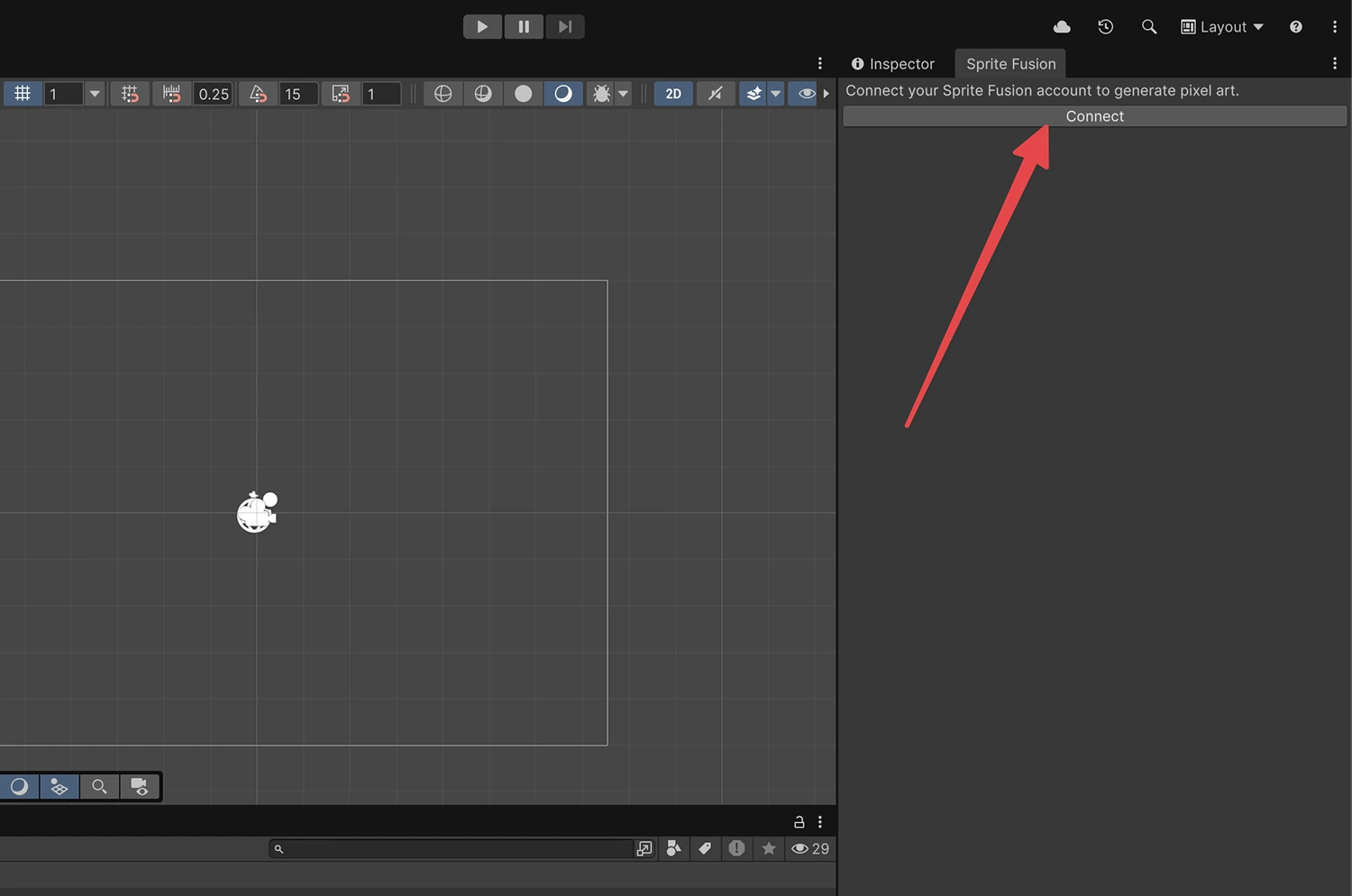
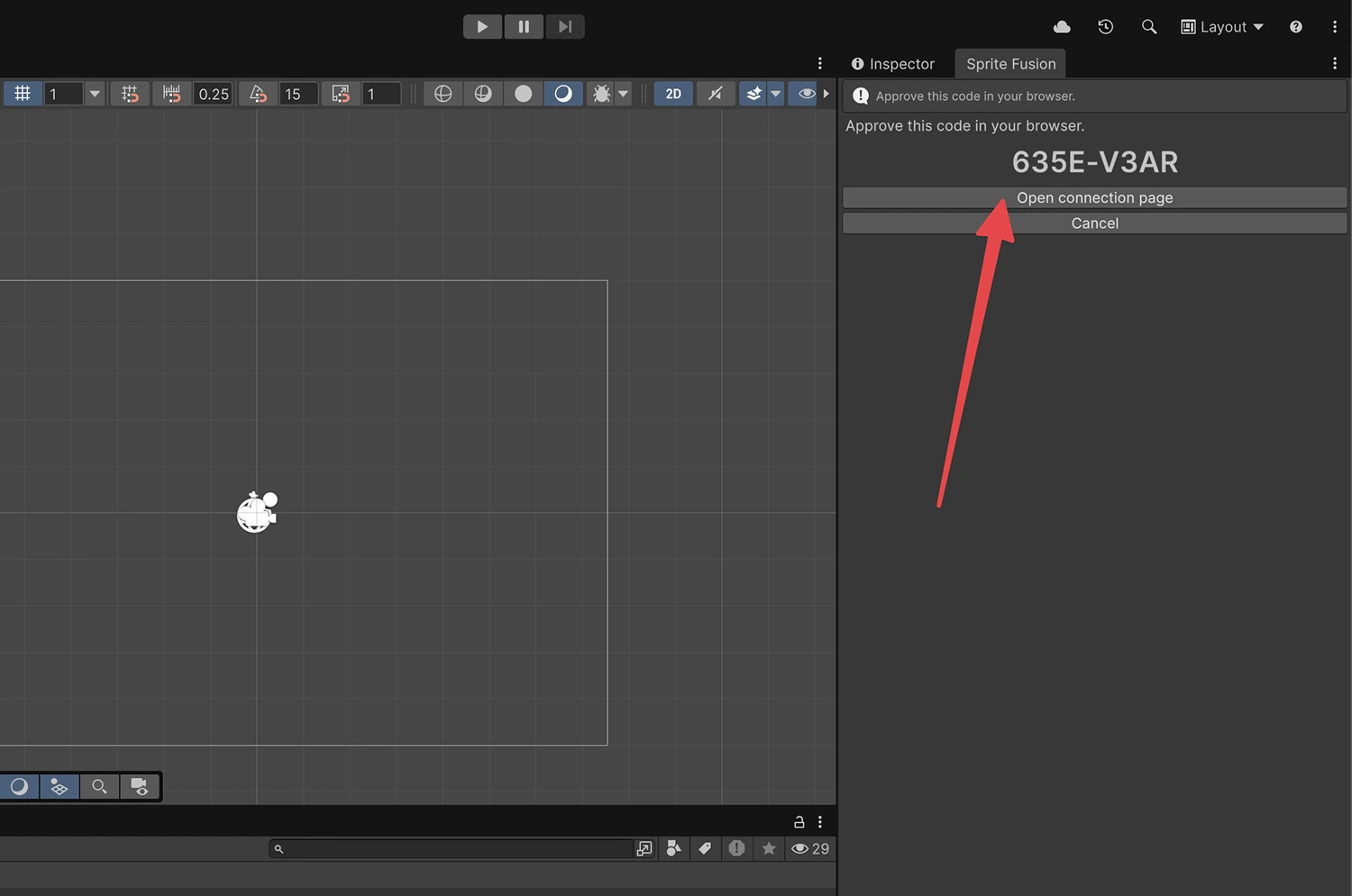
Open the connection page in your browser.
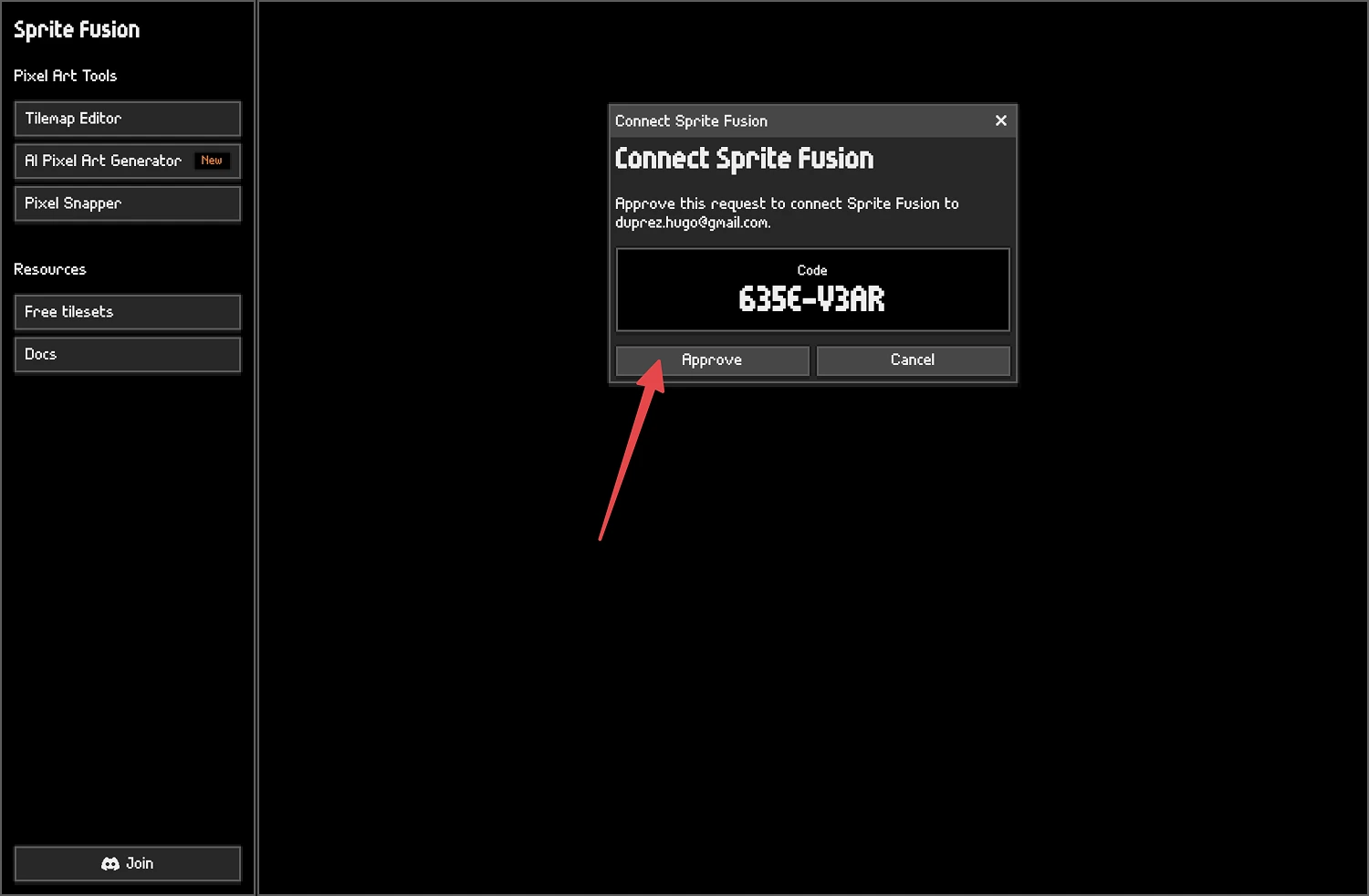
Approve the connection code.
Return to Unity. You are connected and ready to generate.
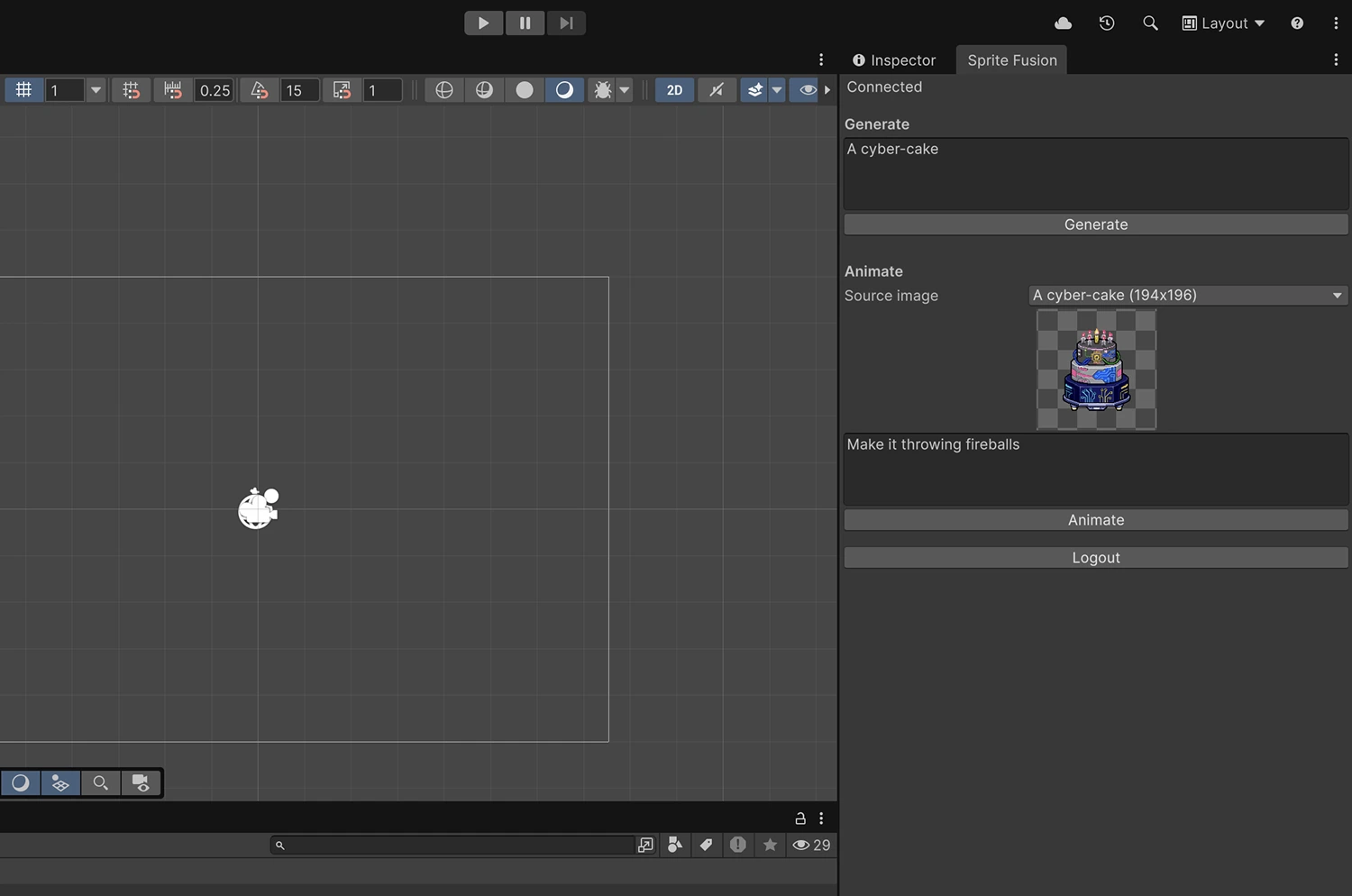
Generate a Sprite
- Enter a prompt.
- Choose
16x16,32x32, or64x64. - Click
Generate. - Up to 12 generated PNGs are saved under:
Assets/SpriteFusion/GeneratedUnity imports each generated image as a sprite with pixel-art friendly import settings.
Generate an Animation
- Generate or select a source image.
- Enter an animation prompt, like
idle animationorrun cycle. - Click
Animate.
The plugin saves the generated spritesheet and creates a Unity .anim clip in Assets/SpriteFusion/Generated.
Troubleshooting
The plugin is disconnected
Click Connect again. If the local session expired, Sprite Fusion will create a new integration session.
