

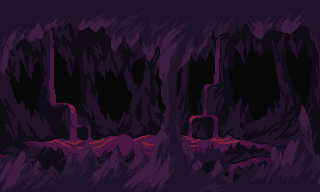
The AI pixel art editor
Built for AI workflows: generate sprites straight from the editor, and retouch details easily in seconds


Fast Integration with Game Engines









The shortest path from prompt to final sprite
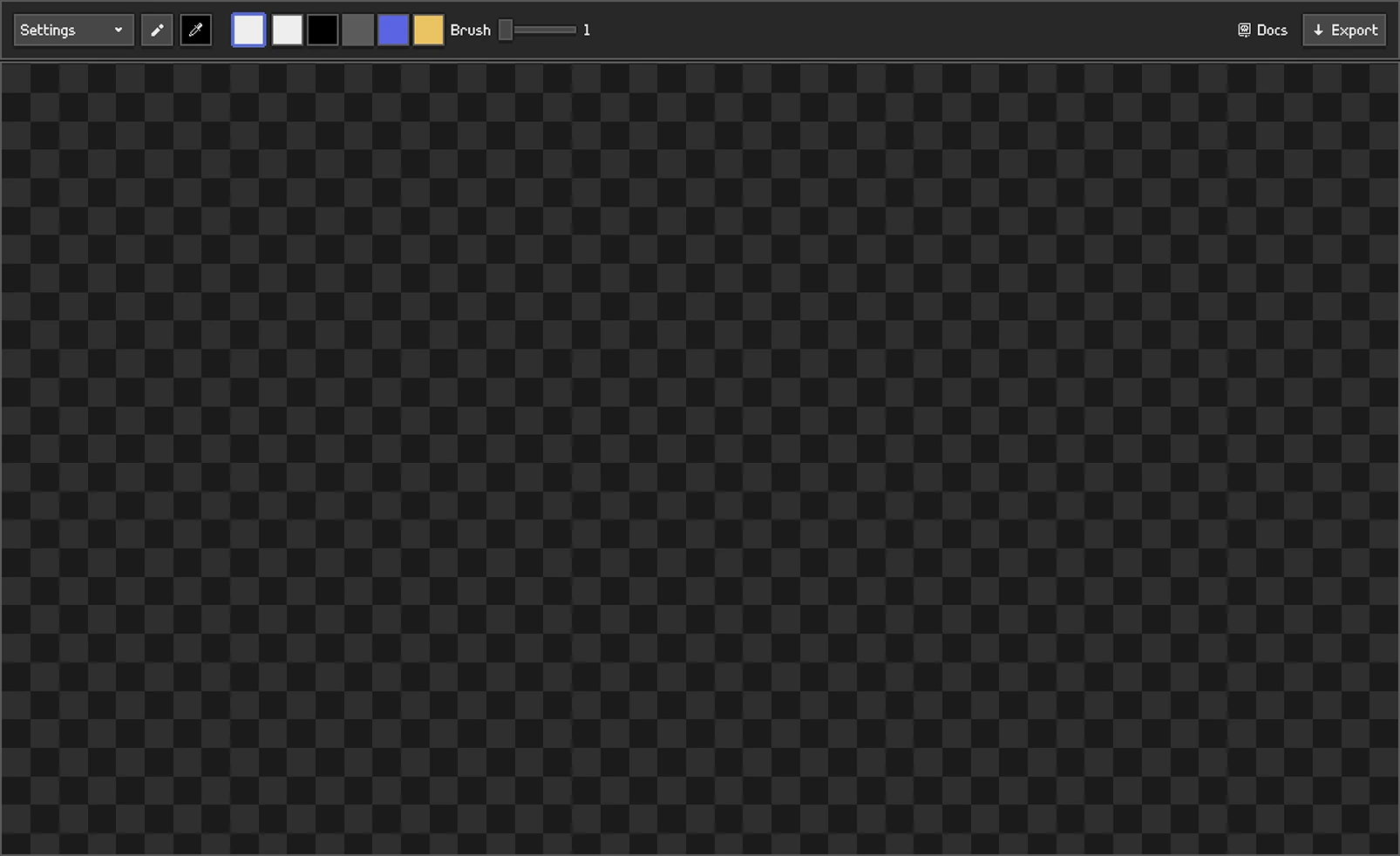
An editor designed for quick retouches and details polish over AI-generated pixel art
01
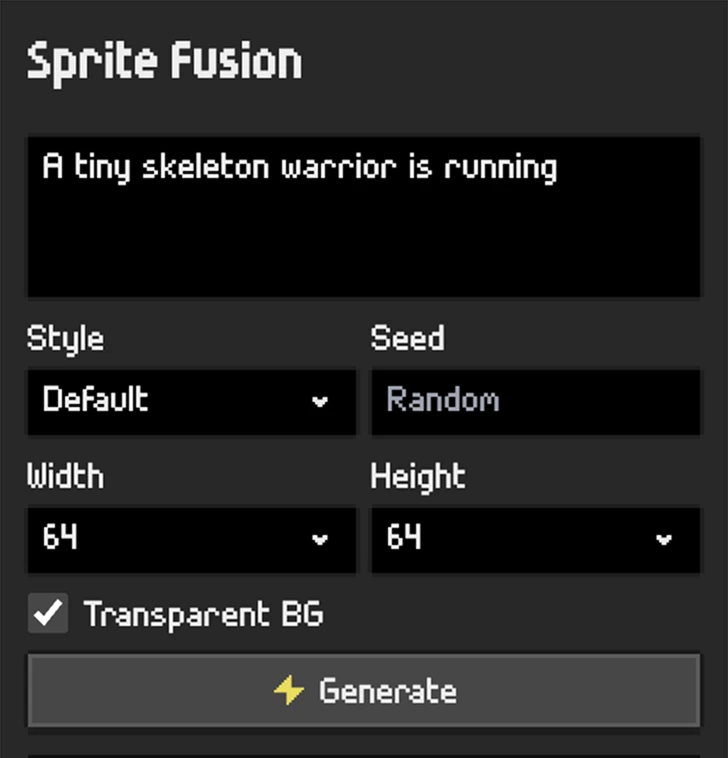
Generate
Describe the sprite you need and get true pixel art in seconds.
Generate
02
Edit
If a detail is wrong, repaint it at pixel level in the same workspace.
Edit

03
Export
Export your final asset for Unity, Godot, and any other game engine.
Export
Unity

Unreal Engine
Godot
GameMaker
Any game engine
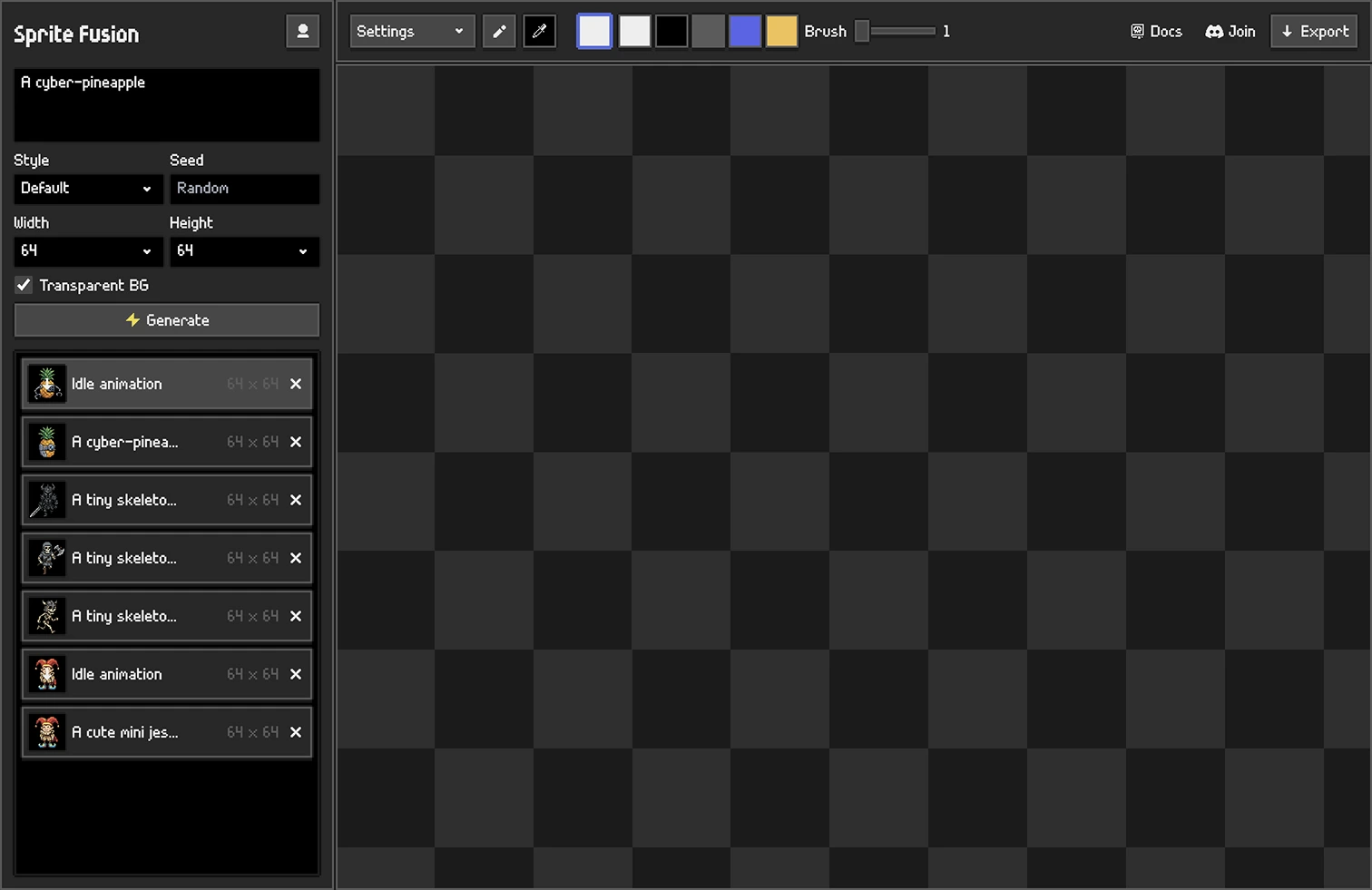
Edit AI pixel art easily
Everything you need to correct a generated sprite. Nothing you don't. Make a focused change, then get back to building your game.
Change the detail
Replace a wrong prop, expression, outline, or stray pixel. No re-roll, no redraw.
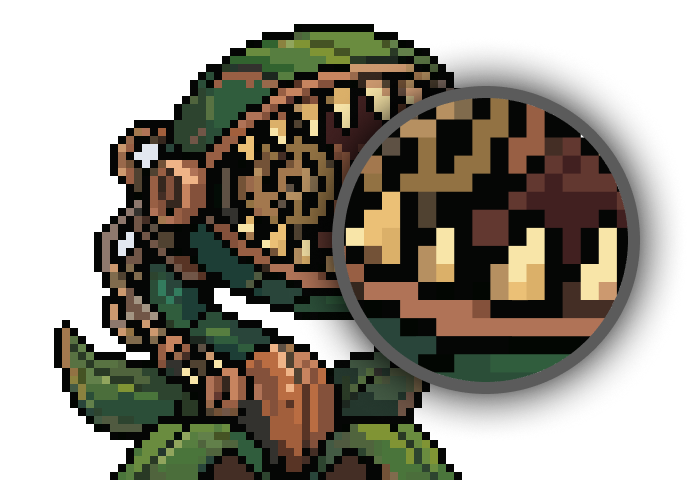
Repaint a small area
Use the brush and eraser for precise changes while keeping the rest of the generation untouched.
Adjust the colors
Pick colors directly from the sprite or choose new ones to refine a small part of the palette.
No new software to learn
Pixel art editors take months to master. Changing a detail on a generated sprite shouldn't. Generate, edit, export, done!
AI Pixel Art Editor

Frequently Asked Questions
Check the docs or ask on our Discord server!
Can I correct an AI-generated sprite without leaving the generator?
Yes. Generated sprites open in the built-in editor, so you can repaint a detail and export without moving files between tools.
Do I need layers to correct a sprite?
No. Correcting a detail does not need layers or a learning curve. The editor keeps the generate, correct, and export loop in one workspace.
Are generated sprites already grid-aligned?
Yes. Sprite Fusion generates TRUE pixel art, pixel-perfect, grid-aligned. The editor is for quick edits on already-clean artwork.
How is this different from Pixel Snapper?
Pixel Snapper repairs blurry edges, off-grid pixels, and mixels in pixel art made with other AI models. Sprite Fusion generations do not need that repair pass; this editor corrects details on already-clean sprites.
What can I correct?
You can change individual pixels, repaint or erase a small area, adjust colors, and export the corrected sprite as a transparent PNG.
Is Sprite Fusion suited for game jam asset creation?
Yes. Generate, retouch, and export pixel art assets quickly without adding a separate art workflow to your game jam.
How is this different from a full pixel art editor?
Full pixel art suites are the right tool for drawing sprites from scratch, and they take time to master. This editor is built into the AI generator for quick retouches and polish. You can correct a generated sprite the moment it appears, with nothing new to learn.
Can I change one detail without regenerating the whole sprite?
Yes. Repaint the detail at pixel level and the rest of the sprite stays exactly as it was. There is no need to re-roll the generation.
Do I need to download or install anything?
No. The editor runs locally in your browser.
Is the AI pixel art editor free?
Yes, our editor is 100% free to use!
Can I use the sprites in commercial games?
Yes. Assets you generate and correct are yours to use in commercial or hobby projects.
Can I edit pixel art I made elsewhere?
Yes. You can bring in pixel art created in another tool and use the same pixel-level controls to repaint details, adjust colors, and polish the asset before exporting it again. You can even animate external assets with our pixel art animation feature!