

Free Pixel Art Color Reducer
Reduce the colors of your pixel art, or apply any color palette to it, right in your browser.
Reduce colors or apply a palette

Upload your sprites
Click to browse files
PNG, GIF, WebP, or JPG
Colors: 32
Drawn

4 colors

8 colors

Apply palettes with your AI agent
Connect Sprite Fusion to Claude Code or Codex, and your agent applies your game's palette to your sprites.
Apply a palette with your agent


Your game project
You

dragon.png
Apply my game's palette to this dragon.
Claude
Done! The dragon now uses your palette's colors. Do you want me to generate other creatures with this palette?

Reduce colors, keep the drawing
Keep your pixel art's style and shading while swapping its color palette.
chest.png

Original

32 colors
Color reduction
OKLab measures color differences close to how your eyes see them.
red-dragon.png

Original

2 colors
Smart palette swap
Swap palettes and keep every detail of your pixel art.
knight.png
Original: 6.5 KB

32 colors: 1.3 KB
Smaller files
PNGs come out about 70% smaller on average with the default settings.
New: Try our Pixel Art Generator
Generate professional sprites with our AI pixel art generator
Generate sprites


Generate sprites
Edit sprites


Edit with prompt
Style consistency


Generate with style consistency
8 directions


Create 8-direction sprites
Animate sprites


Animate any sprite!

Open Pixel Art Generator
Free and open source
Palette Snapper is free and open source. Feel free to use it and contribute to the project on GitHub.


Web Edition

FREE

Source code available on GitHub
-
Hobby projects
-
Commercial projects
-
No account required
Use the web version
CLI and WebAssembly

CLI
-
Batch whole folders of sprites
-
Lospec, GIMP, and Paint.NET palettes
-
WebAssembly library for your own tools
-
MIT license
View on GitHub
Other software
More Sprite Fusion tools for building game-ready pixel art and levels.
Pixel Art Generator
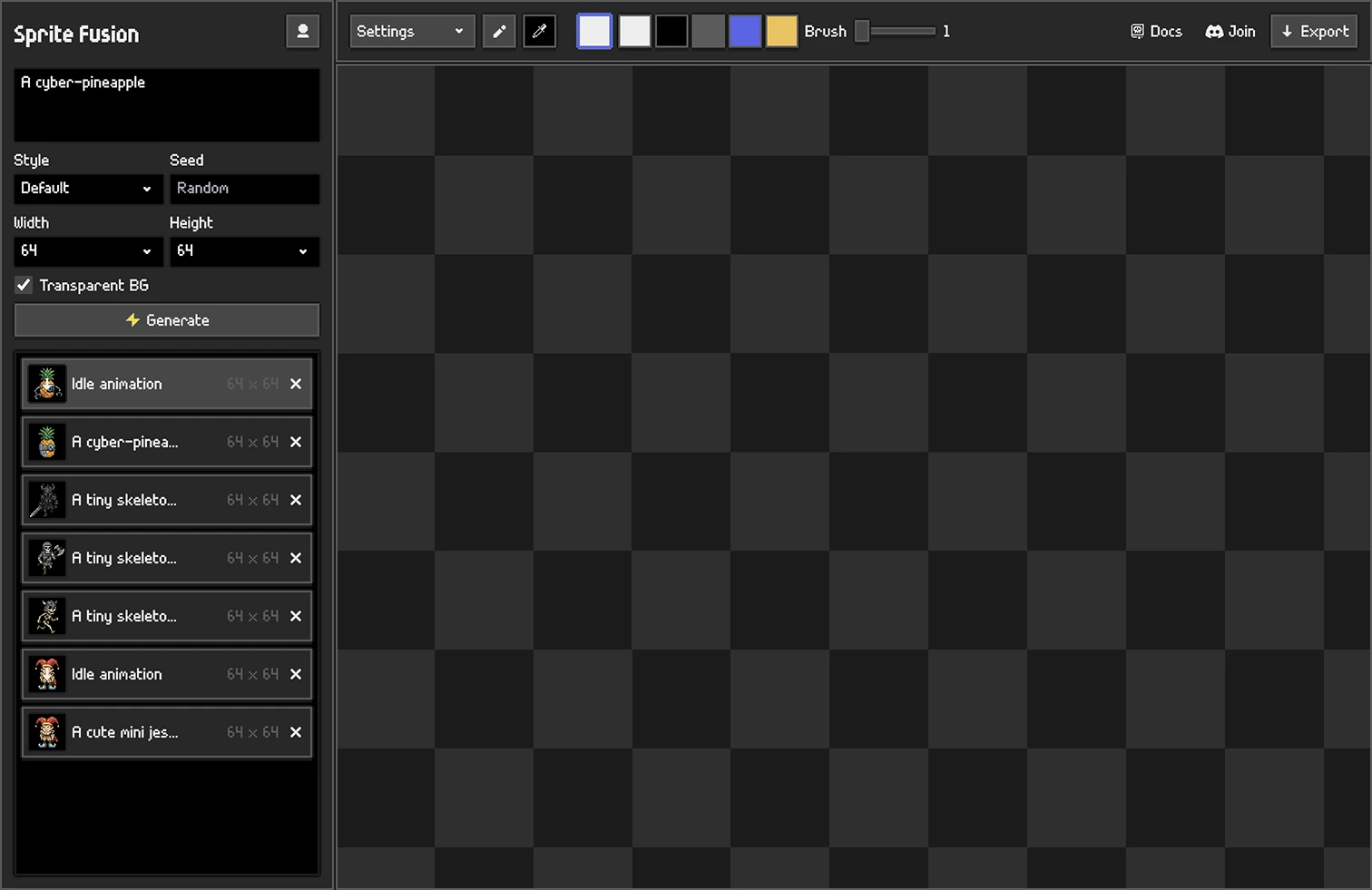

Pixel Art Generator
Generate, animate, and polish game-ready pixel art assets from a complete browser studio.
-
Professional pixel art generation
-
Animation sprites generation
-
Built-in pixel art editor
Generate Pixel Art
Pixel Snapper
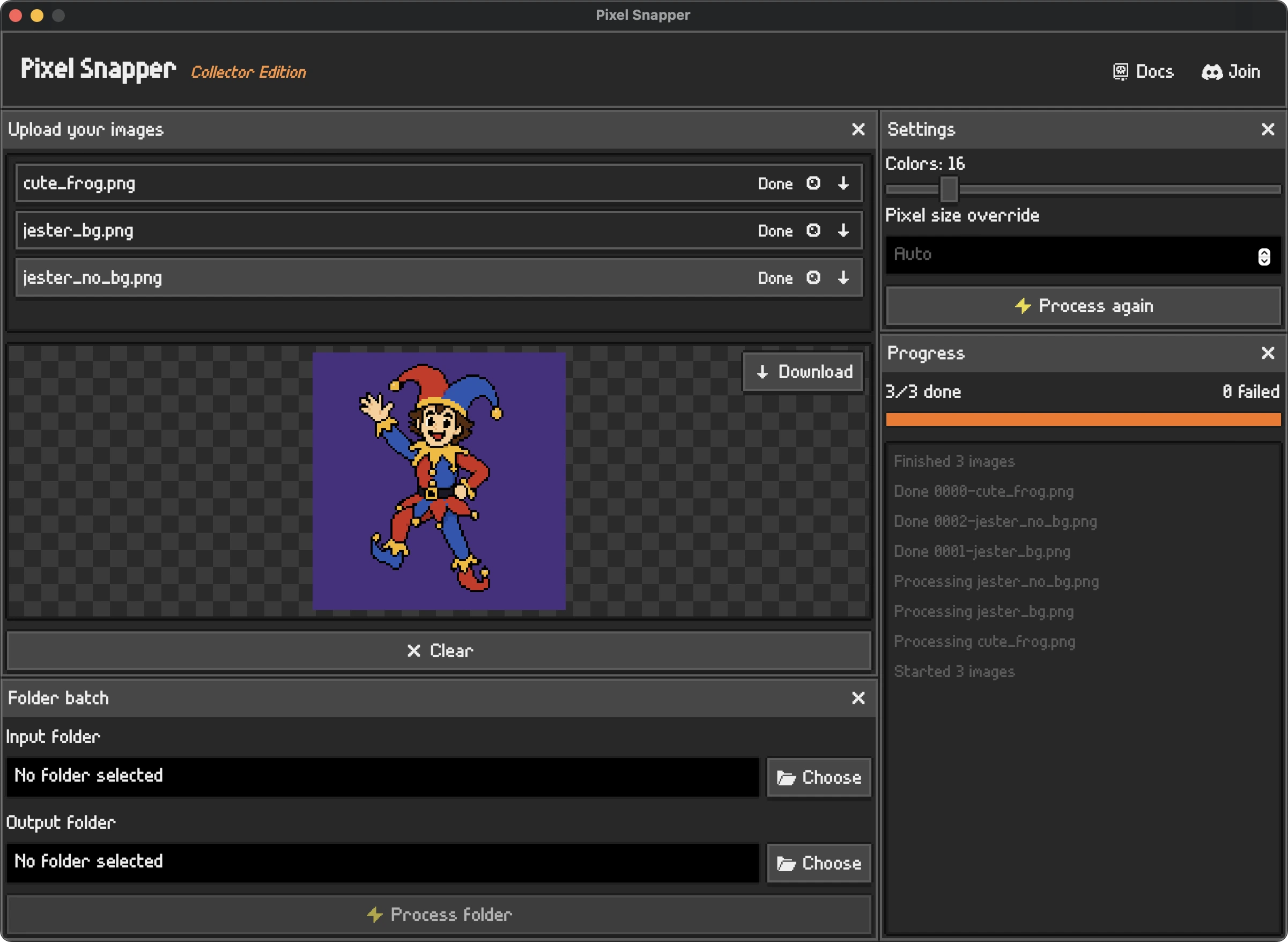
Pixel Snapper
Clean messy, blurry, or off-grid pixel art into a crisp pixel grid in seconds.
-
Fixes inconsistent pixels
-
Preserves details and dithering
-
Batch processing
Discover Pixel Snapper
Frequently Asked Questions
Check the docs or ask on our Discord server!
What is Palette Snapper?
Sprite Fusion's free pixel art color reducer. It reduces the colors of your sprites, or applies a color palette to them.
How do I reduce the number of colors in an image?
Drop your image here and set Colors, 32 by default. It runs in your browser: your images are never uploaded.
How do I apply a color palette to an image?
Pick a palette or import your own, then drop your image. Every pixel takes one of the palette's colors.
Can I use it with Claude or Codex?
Yes! Your agent can apply your game's palette to all your sprites, for free. To connect Sprite Fusion, paste these instructions into Claude or Codex: . The Palette Snapper docs have the full setup.
Can I apply the same palette to several sprites?
Yes. Add multiple images and choose a palette to process them together. All results use colors from that palette. Use a fixed palette when your sprites need to share a color set; reducing each image separately can retain different colors.
Which palette files can I import?
Lospec .hex, GIMP .gpl, Paint.NET .txt, JSON, or a PNG of the swatches, like our pixel art color palettes. Up to 256 colors.
How are colors matched to the palette?
Two ways, and you can switch between them on the result. Lightness, the default: dark colors take the palette's dark colors, and light colors take its light ones. Nearest color: each color takes the closest one in the palette.
Why does my pixel art have so many colors?
Image models, resizing, and JPEG compression add near-identical shades. A sprite that looks like 12 colors can hold thousands.
Does it invent new colors?
No. Every color left is one you drew, or one from your palette. Nothing is averaged.
Does it keep transparency?
Yes. Transparent pixels stay transparent. PNGs also come out about 70% smaller with the default settings.
How is it different from Pixel Snapper?
Pixel Snapper is built for fixing AI-generated fake pixel art, Palette Snapper fixes the colors.
Can I generate new pixel art in my palette?
Palette Snapper recolors sprites you already have. To create new ones in your palette, use Sprite Fusion's AI Pixel Art Generator: pick a preset palette or import your own.
Is Palette Snapper free and open source?
Yes, for hobby and commercial projects. It's MIT-licensed on GitHub, with a CLI and a WebAssembly library.