The Pixel Art Rendering Trick Behind “Destroy Any Website”
Hugo -
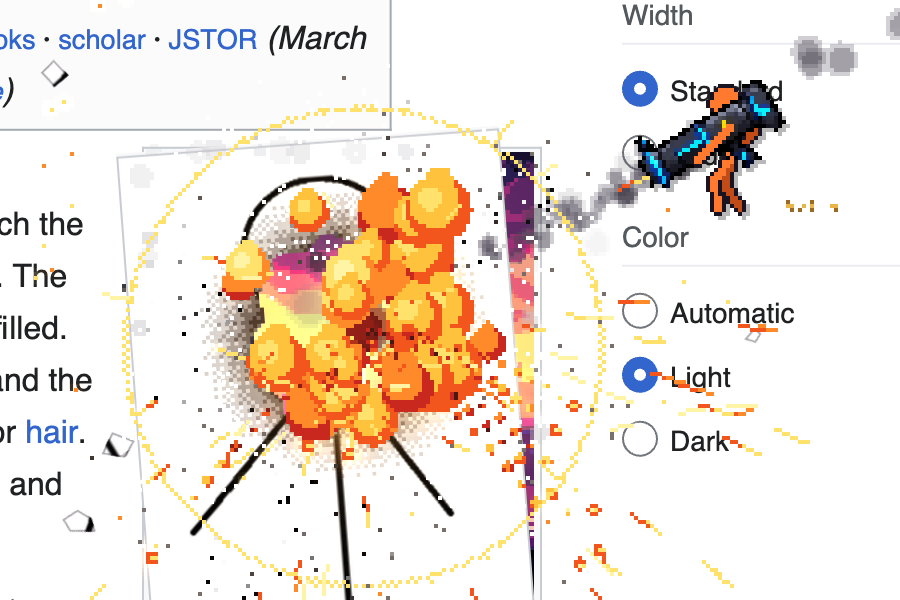
On September 28th, I released a web game called "Destroy Any Website" where you can smash web pages with a stickman and funny weapons. It's not a new genre. There are plenty of old-school desktop destroyer games, but this is my take on it!
It got some traction and I received many questions about how it was made (art, effects, multiplayer, etc.). So today we'll dive into a trick I used for crisp pixel art rendering. Let's go!
The naive way to render pixel art
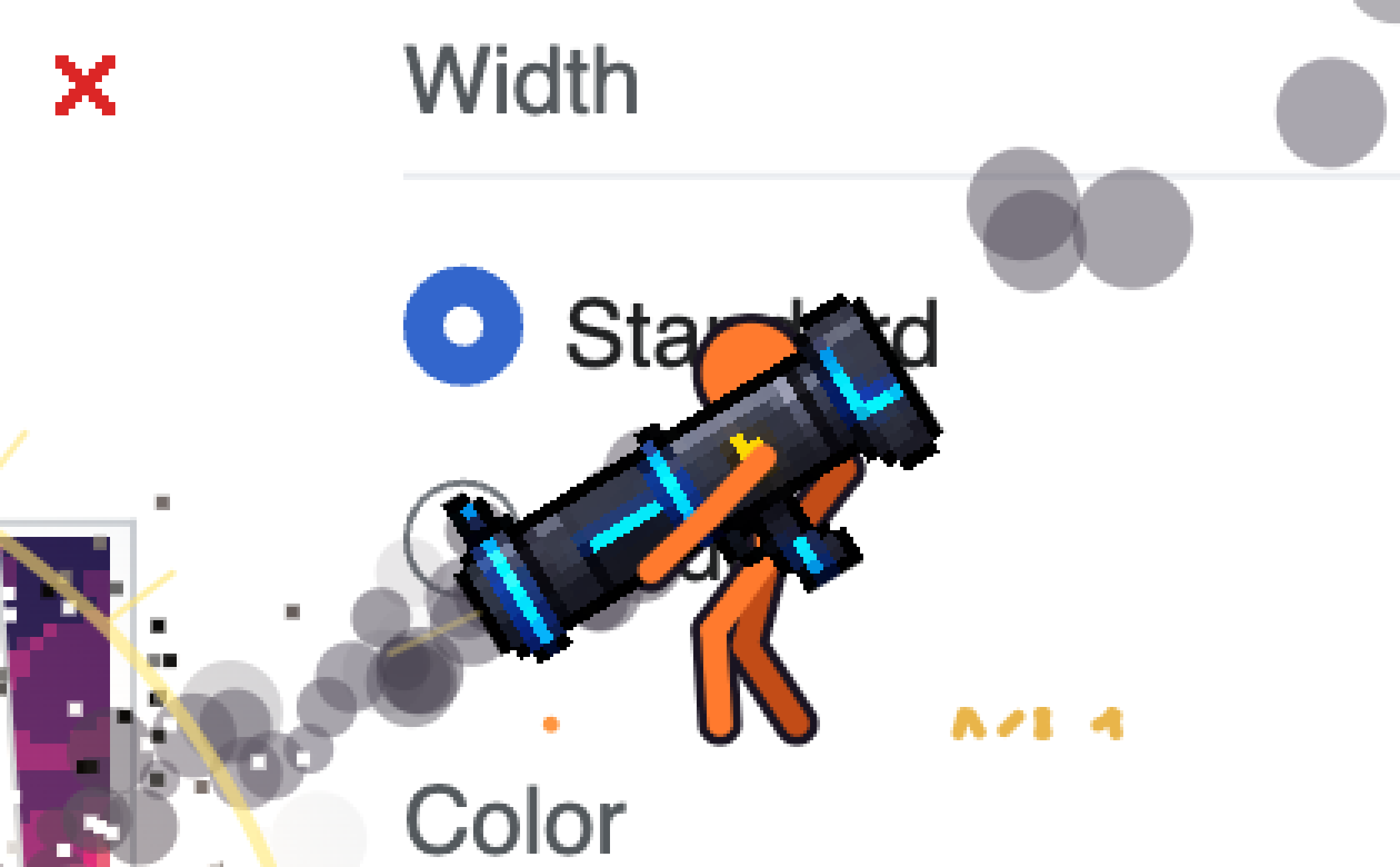
Here you can see that our rocket launcher is an actual pixel art sprite, but it is rendered at a higher resolution, making it look off.
To solve that, there is a simple and pretty effective trick.
Render your pixel art onto a separate layer
The trick is to render your pixel art (sprites, VFX, anything pixel art) onto a separate layer at a lower resolution, and stack it on your high-resolution layer.
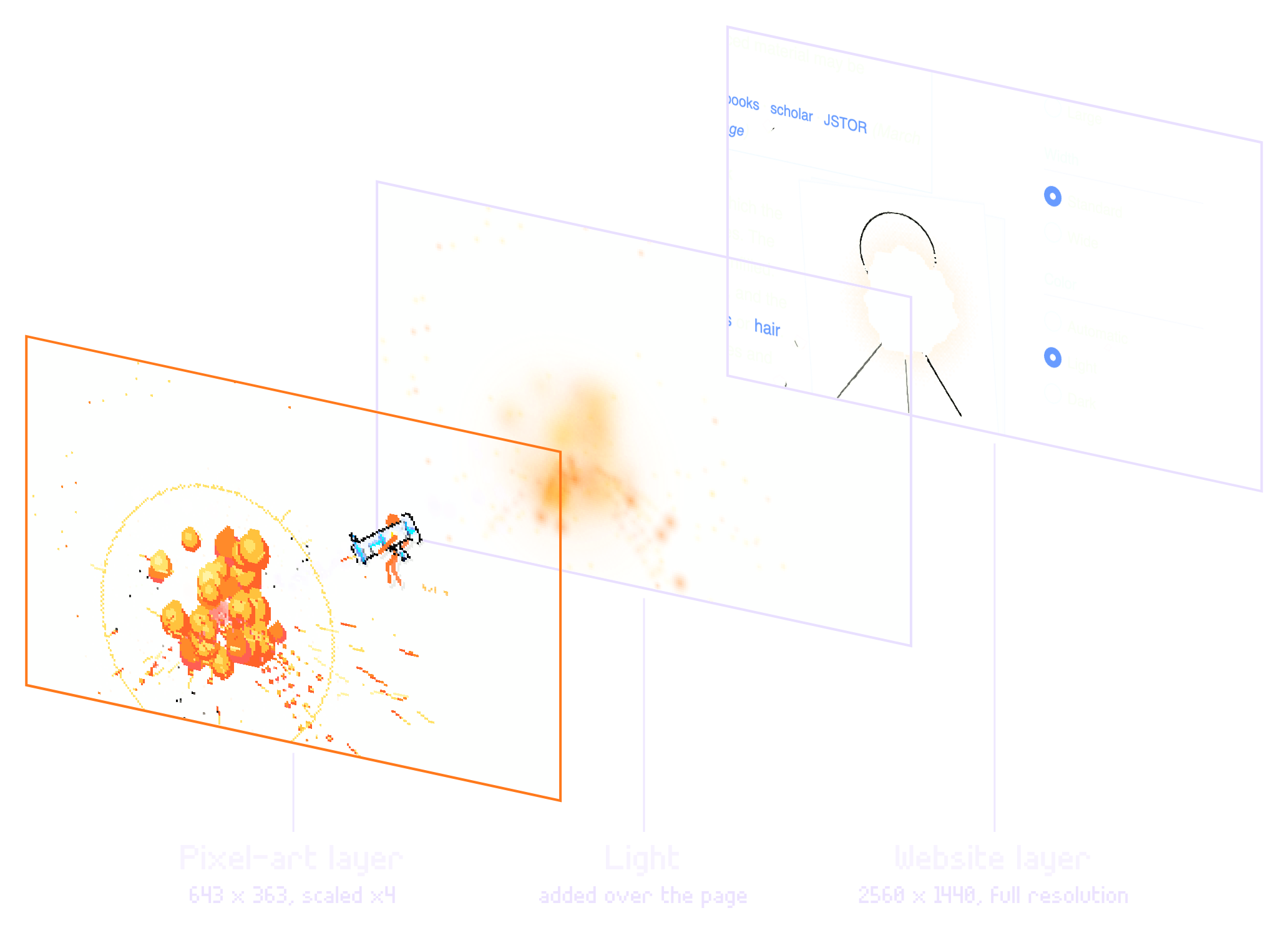
Which gives us a true, crisp pixel art look over a high-res background, giving that sweet ’90s look!
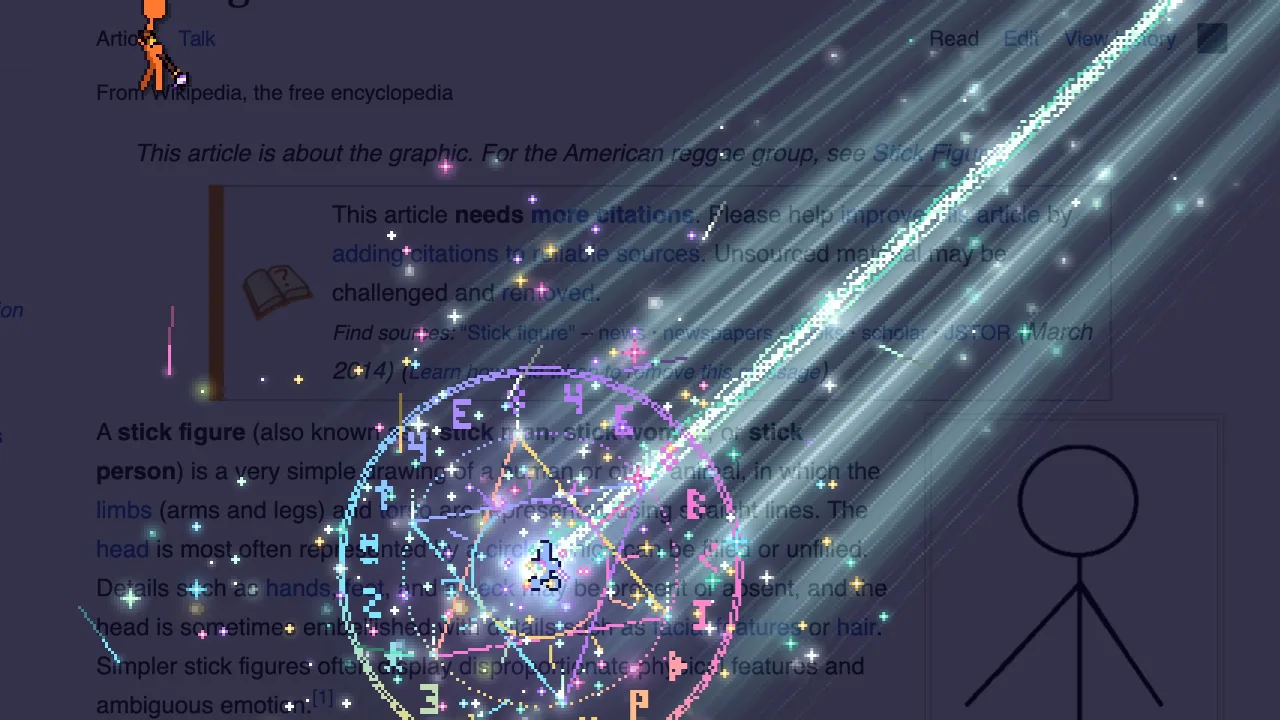
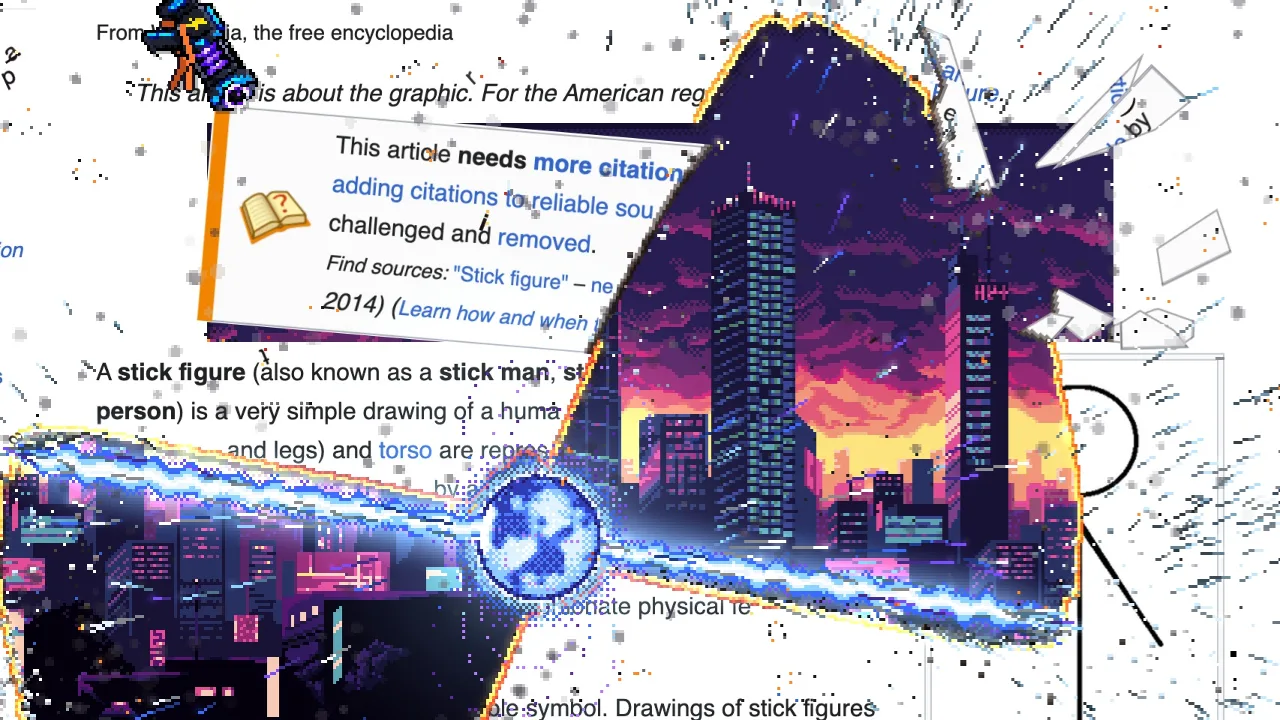
And this can apply to all your pixel art VFX, particles, characters, etc.!
Conclusion
It is not a fancy, black magic trick, but it will instantly make your pixel art game look much better. Quick win! Bookmark this post to make sure you remember it.
You can play the game here. It's free and you can even play with up to 5 friends or through online matchmaking!
PS: This whole trick applies only if you are rendering high-res and low-res pixel art in the same frame. If you are only doing pixel art, then just render everything at the native pixel scale of your art.