 Sprite Fusion
Editor
Edit generated pixel art, pick colors, draw, erase, and preview animations in the Sprite Fusion editor.
The editor is for quick cleanup after generation.
Use it to fix pixels, adjust colors, erase mistakes, and prepare the asset for export or animation. You can also use the editor for full hand-made pixel art drawing and import your own pixel art, it is web-based and designed to be easy to use.
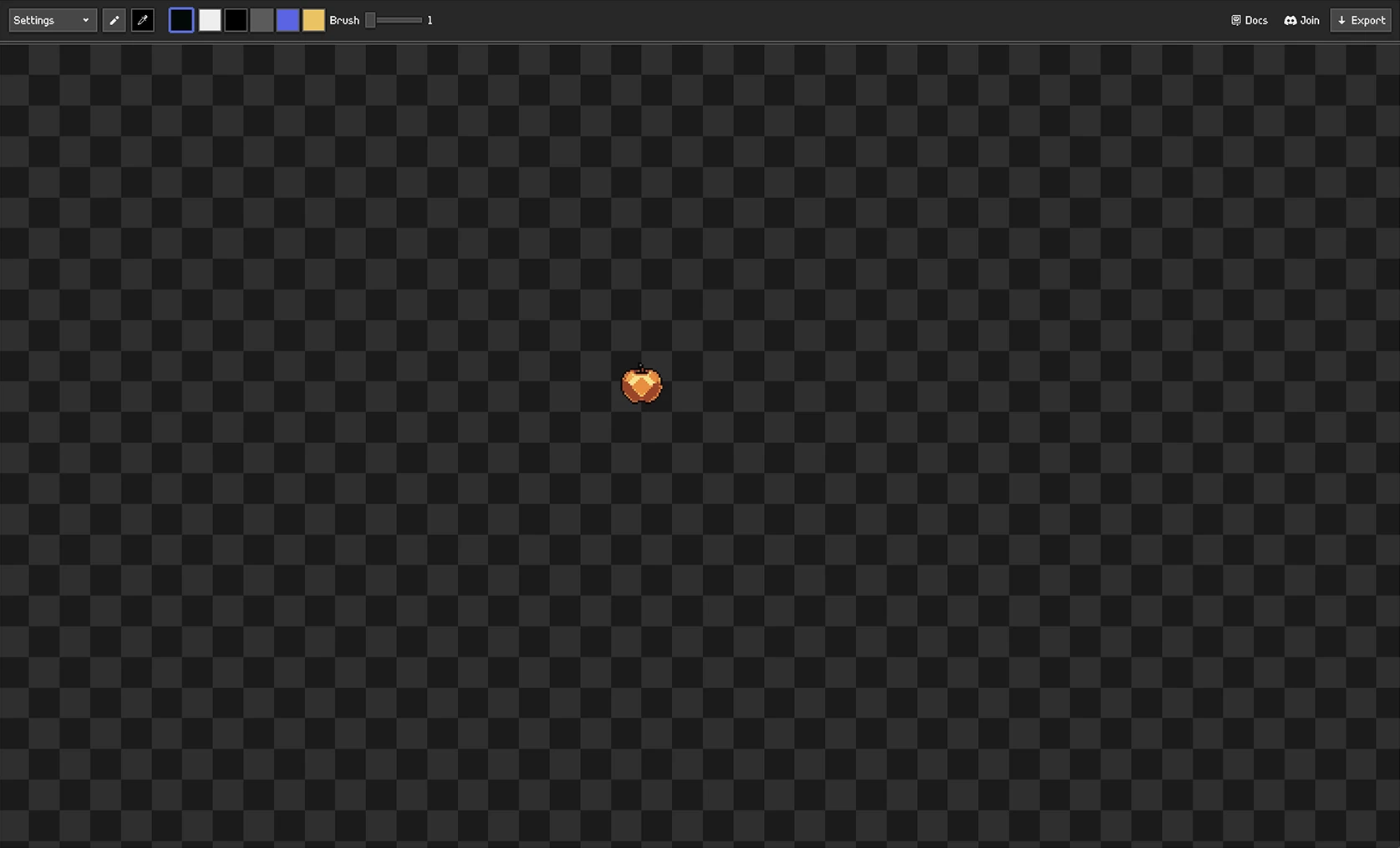
Tools
Use 
Brush to draw with the selected color.
Use 
Eyedropper to pick a color from the canvas.
Right click erases. There is no separate eraser tool.
Shortcuts
B: selectBrushI: selectEyedropper- Left click: draw
- Right click: erase
- Mouse wheel: zoom
- Middle mouse or space-drag: pan
Colors
Click the color swatch to open the color picker.
The selected color is used by the brush.
Brush Size
Use the brush size slider for larger or smaller strokes.
Small sizes are best for cleanup.
Larger sizes are useful for blocking shapes or erasing areas quickly.
Settings
Open Settings from the top bar.
- CRT mode is visual only and is not exported.
- Checkerboard controls the transparent canvas background.
- Pixel-perfect drawing improves freehand strokes and is enabled by default.
Import Your Own Pixel Art
Open Import from the top bar, click Import image, and choose a PNG. The image width and height must each be 256 pixels or smaller.
The source must already be genuine pixel art. AI-generated pixel art, illustration, or photos wont be useful for creating good animations.
An imported image appears in asset history like a generated image. You can edit it, return to it later, animate it, export it, or delete it using the same controls.
