 Sprite Fusion
Tilemap EditorEditor
Map Size Overlay
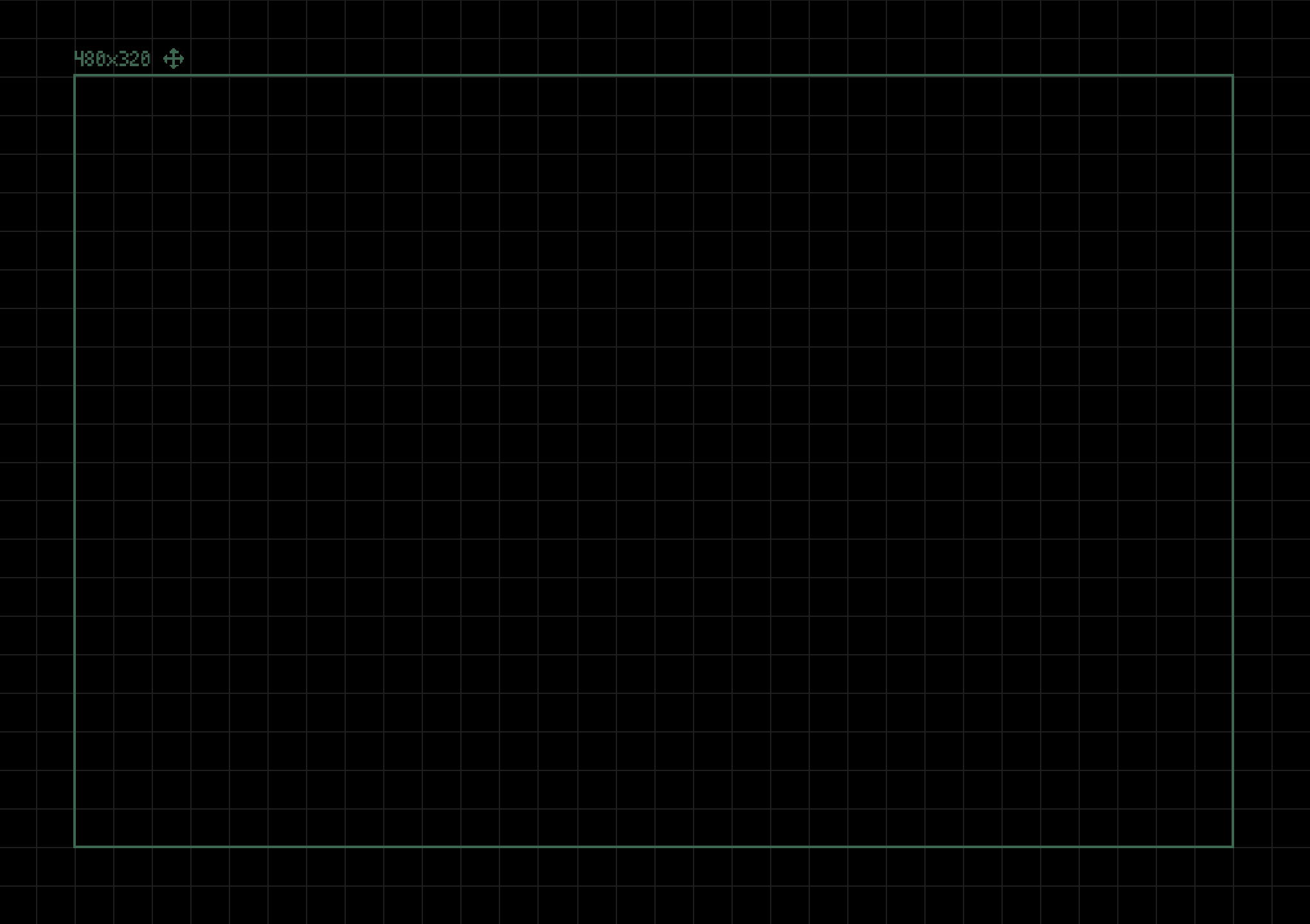
Display a movable map size guide in the Sprite Fusion editor.
TL;DR
- You can enable a map size overlay in the project settings
- Use it as a layout guidance for your map design
Enable the Map Size Overlay
Open the project panel and enable Map size overlay. You can customize its size.
To move the overlay, grab the move icon and drag it in the map editor.
Get the Desktop Version
- Works 100% offline
- Faster map exports
- One-time purchase
- Lifetime updates included

